DJI have done it again with a brand new 360° drone. This is called the DJI Avata 360 and these are all of my DJI Avata 360 First Look after my initial few flights. For full disclosure, the DJI Avata 360 was sent out directly by DJI and this video has been sponsored by the D1 Store. Keep in mind though, all of my thoughts and perspectives throughout are my own and they have not been influenced by anyone.
First Impressions
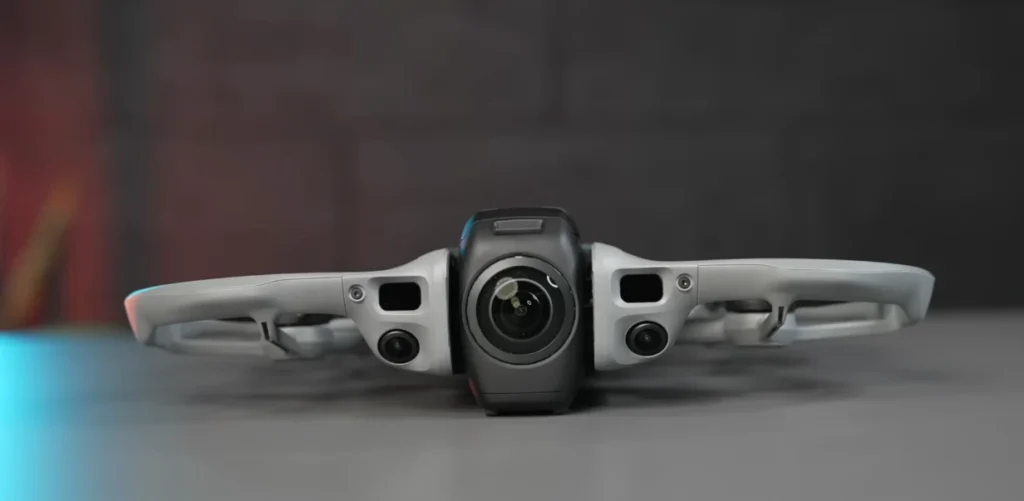
The first thing I noticed instantly was just how thin this drone is. Using an iPhone 14 for comparison, you can see just how thin the DJI Avata 360 really is. It is actually remarkable how thin they have made it. The main piece of hardware on a Avata 360 drone is the 360° camera, and on the Avata 360 it sits right at the front.
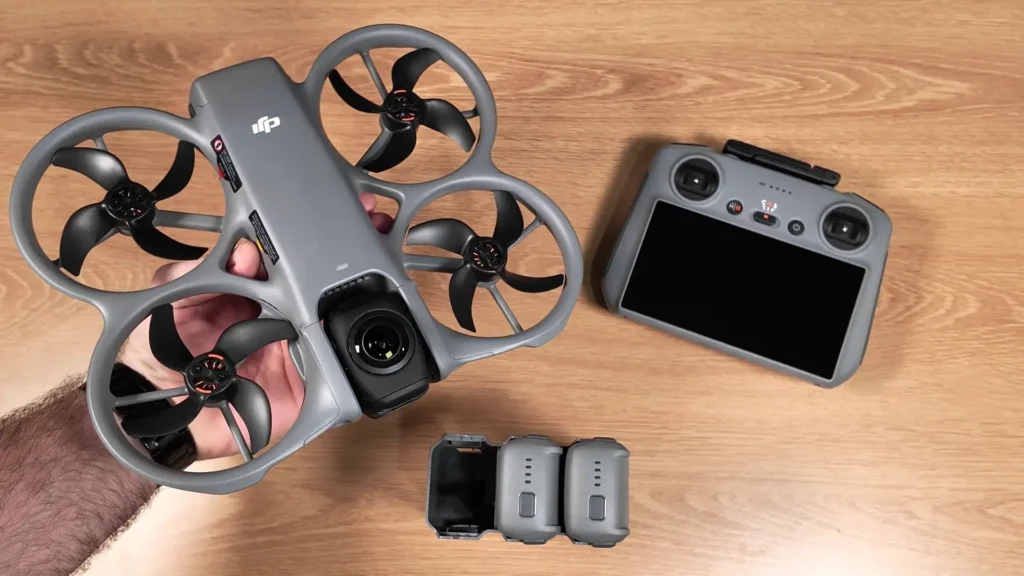
What is very unique is that it can actually spin to put it into either a single lens mode or the full 360° mode. You can see how flat it sits when it is in the 360 mode, with the lens underneath and the lens on top. But like I said, it just flips into place to put it into the single lens mode.
This is also how it lands. So it can go from 360 mode to then, as it is initiating the landing process, flip into that single lens mode so that the little protruding feet operate as legs to land on the ground. All of that seems to work seamlessly. You also have the built-in propeller guards, giving you that peace of mind knowing that if you knock into anything, the drone can keep going.
Read More: DJI Avata 360 vs Avata 2
Obstacle Avoidance
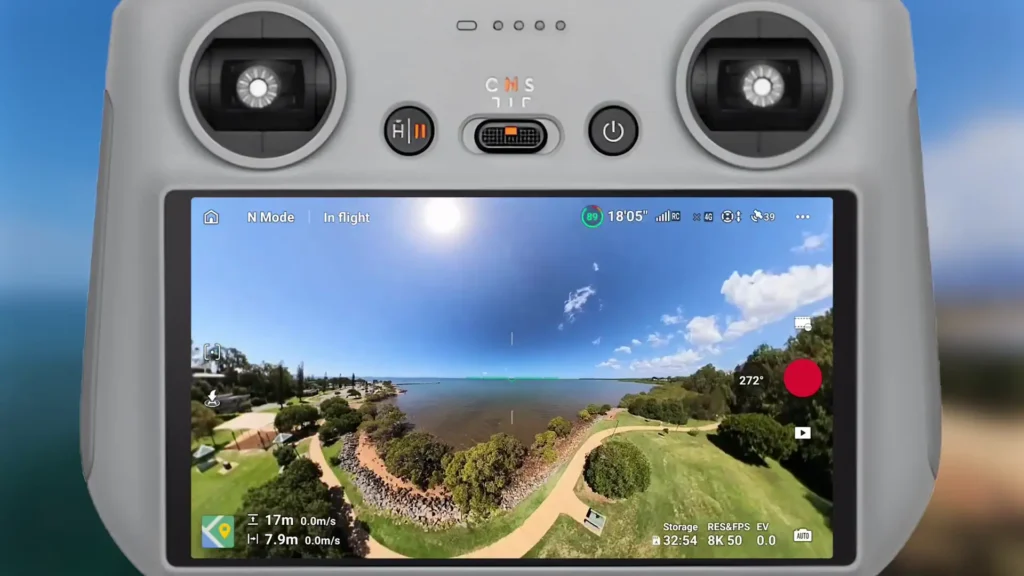
The DJI Avata 360 does have obstacle avoidance, but one thing I noticed is that it depends on what mode you are in. If you are in the single lens mode, it seems to only give you front-facing obstacle avoidance. When you go into the 360 mode, so when the camera flips down and gives you the full view of everything, that is when you get even more obstacle avoidance. So you just have to keep that in mind, knowing that the 360 mode is where you are going to get that peace of mind with true obstacle avoidance.
Single Lens Mode vs 360 Mode
I did find that the footage from the single lens mode was a little bit jarring, seeing as this does not have a true gimbal setup. What actually happens is if the drone is flying and depending on how windy it is, the footage will be on a little bit of an angle. You can fix this in post-production and there are ways to fly the drone to get it a little smoother. But because there is no true gimbal system, that single lens mode is a little bit limited.
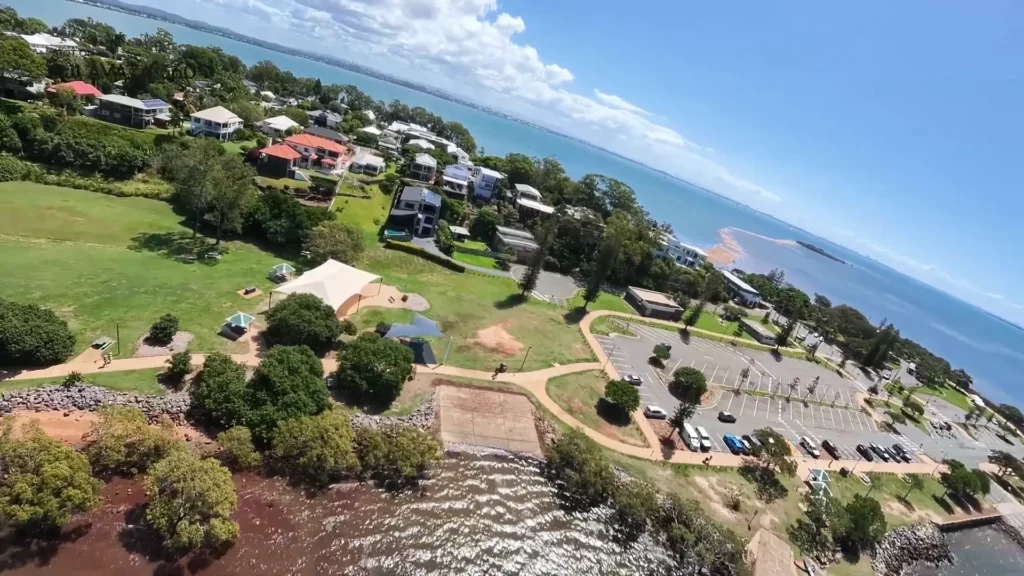
Although, I did find myself having a fair bit of fun flying with that single lens mode just because I was able to get some really unique FPV perspectives. It really gives you that banking effect and that really nice movement effect, like you are flying an FPV drone. So I found myself enjoying that quite a bit. But in most scenarios, I found myself just putting it in the 360 mode to get the most out of the drone.
Flying Experience
From all my tests, I was just using the DJI RC2. It really did feel like any other standard DJI drone, really easy to maneuver and super responsive with all the inputs. The touchscreen was very responsive and it just felt like any other DJI drone, which was actually really nice in terms of peace of mind.
It did not feel like you were learning a whole new system or a whole new drone. Even the software feels very similar to any other experience you have had with any other DJI drone.

Cool Features Worth Talking About
There are a few really cool features within the DJI Avata 360 that are worth highlighting. The DJI Avata 360 First Look I noticed is that we have the full rotate mode, like we have seen on previous drones such as the Mini 5 Pro and the Mavic 4 Pro. We have that rotate mode here too.
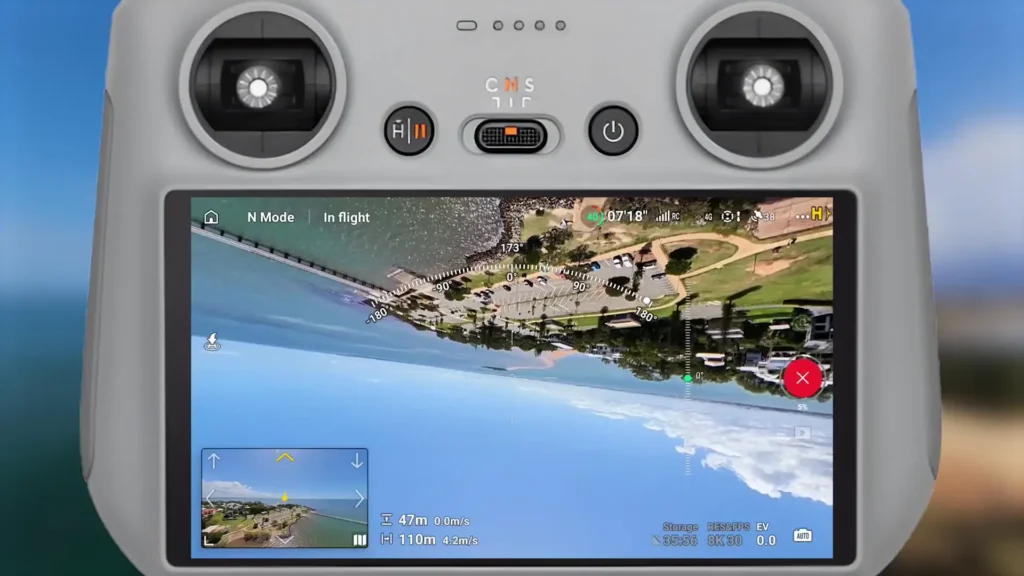
So you can get really unique rotating perspectives as you have got that 360 view. As the camera system rotates, you get a full view of what is happening, which lets you capture some very unique perspectives that you probably cannot replicate with other drones on the market. It is just something so unique.
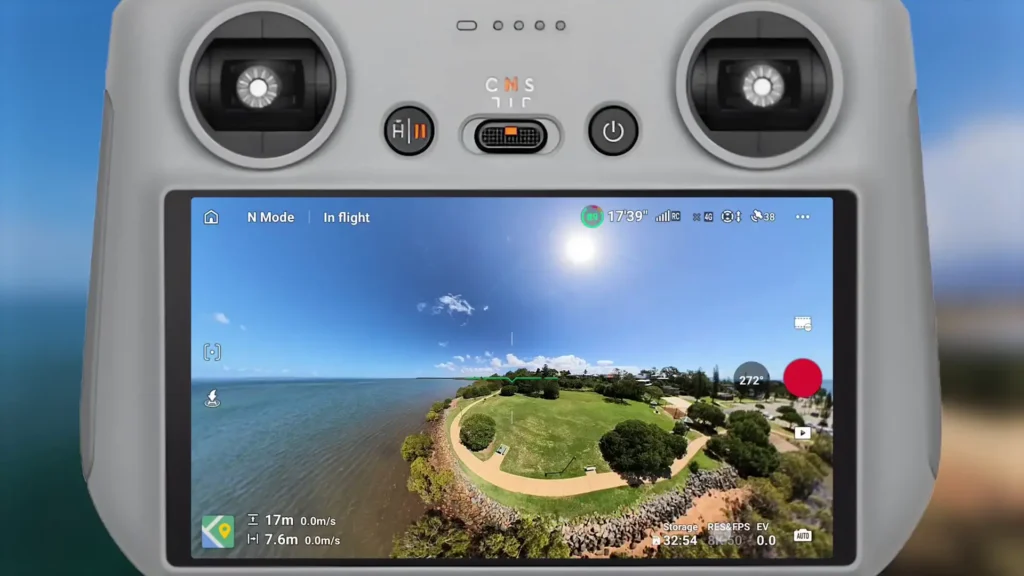
I also like how you have got different field of view options. You can have a standard view like you are flying any other standard drone and you just see what is happening in front. Then you get one where it is zoomed out a bit, and then one where it is zoomed out even more, giving you almost a full 360 perspective as you are flying.
That was really fun to play around with. And even when you are in different modes, you have different controls and functionality to explore. You can put it straight into Focus Track mode, Spotlight mode, or Active Track mode. You have got all of those features available straight away. You have got all the Quick Shot modes you are used to, like Rocket, Circle, and Rotate, but then you seem to forget in the moment that wait, this is all 360°, because you can do whatever you want with it later on.
The Sound of the DJI Avata 360
The DJI Avata 360 does have quite a distinct sound to it. It actually reminds me a lot of an FPV drone. When I was launching it and even just hovering it to get some footage, it has quite a prominent sound to it. It is very unique and I would compare it to the sound that an FPV drone would produce.
Read More: DJI Avata 360 VS Antigravity A1
Flying Without the Goggles or Motion Controller
For my first test, I did not get to fly with the motion controller or the goggles. I will have a whole video on the channel dedicated to that. But just the core experience of flying it like a standard drone was really impressive.
From my perspective when flying it, it felt like any other DJI drone. Really stable, reliable, and great range. I found I had no interference and it did not drop out at all. The responsiveness of everything was on point just like any other DJI product.
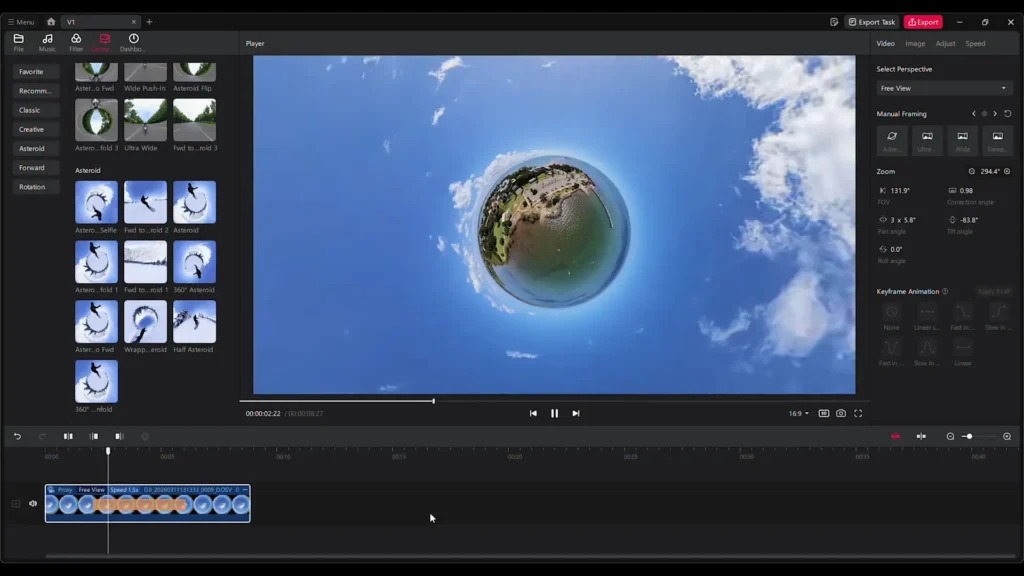
But then when I got back to the studio and was able to actually see the footage, that is where you get to see that something very unique has happened. We rotated the camera while capturing a 360 perspective and then in post-production you can do whatever you want. You can frame it however you want, put different effects on it, and that is obviously where it opens up a whole new creative playground.
That was actually something I was quite surprised by. Flying the drone itself did not feel remarkably different from any other DJI drone, and it really should because it is a 360° drone. But they have created the experience in a way that it just feels so natural. If you have flown literally any other DJI drone, you can pick this up and fly it very quickly and you are going to know how to use it.
360° Video and Photos
Throughout your flights with the DJI Avata 360, you will capture 360° video and 360° photos that really open up the creative possibilities. That was my first test, everything out of the box, set up, updated, and ready to go with no adjustments to any of the settings. That is just auto mode, ready to go. And the DJI Studio editing program on Mac and Windows seems to work really nicely from my initial test.
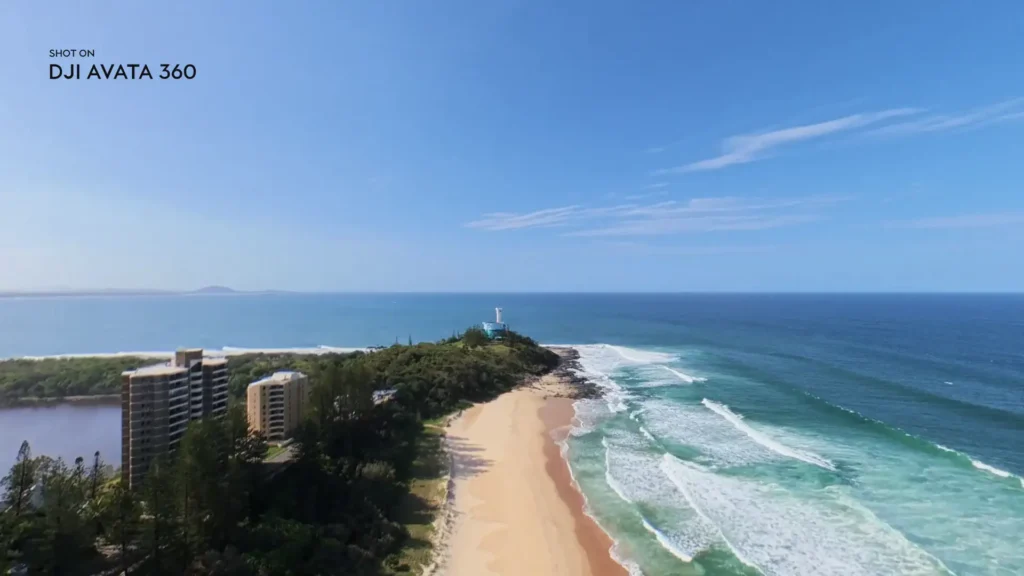
When it comes to 360° drones and cameras, you need to have solid software. If the hardware is there but the software is not, it just does not work and they do not marry up. The DJI Studio application on Mac and Windows seems to work really nicely from my initial test. Now I want to dive a little deeper into it and see how it actually operates and what I can do with the app version, but from my initial test the DJI Studio is great.
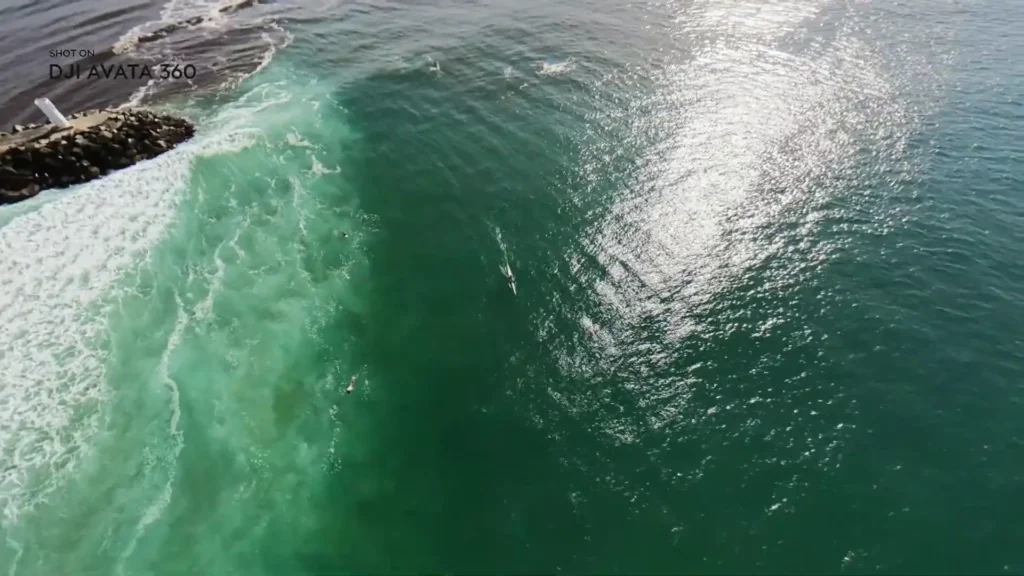
It does exactly what you want it to do. It is really easy to frame up after the fact and easy to focus on a particular perspective or subject. Super easy to do that, with a bunch of customization options. I found that we were able to get what we wanted out of the footage without feeling like there were any limitations to it.
Battery Life
In terms of battery life, I found that it was competent. It did exactly what I needed it to do. I was able to fly, get a bunch of perspectives, get some photos and videos, and track a few subjects, but then that battery warning came up and it seemed like it came up quicker than what I was expecting. I guess I am used to flying other DJI drones that give you extended battery life, so this is definitely a little bit of a dip in the battery life department. Nothing huge though.
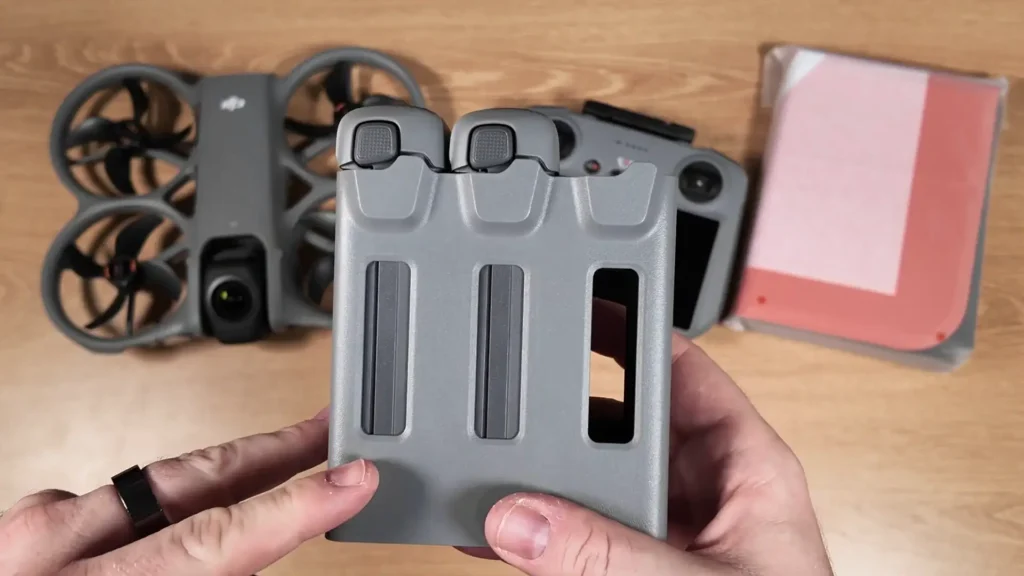
Because everything is captured in 360, if you are capturing in 360 mode you get so much perspective that it is easy to get one shot, move to the next spot, get a bunch of photos, videos, and different modes, and by that time you are ready to fly back anyway. So it is not a major problem.
It is just a different workflow. It just takes a little bit of a different mindset going into that shot, knowing that if you film one direction you are still capturing everything around you. So regardless of what is going on, whether there are boats in one direction, kite surfers in another, or people somewhere else, it is capturing everything anyway. You do not have to keep getting different perspectives.

In that regard, battery life was not a major problem. But I did find myself thinking, wow, I already have to return now. Maybe I was just having so much fun. But that was my initial thought while flying, that I just wanted a little bit more battery life per battery. Definitely not a major problem if you have the Fly More Combo though. Nice and easy to just come in, swap out the batteries, and launch again.
Table of Contents
Final Thoughts on the DJI Avata 360
I cannot wait to play around with the DJI Avata 360 more and show you what else it can do. But from my initial test and first impressions, I am blown away by how thin it is. That just blows my mind still when I am looking at it. It is just such a thin drone and so impressive. I love the fact that they have gone with a unique approach here, offering both a single lens and a 360 setup. That is so unique and it just gives you a little bit more creativity and freedom. I love how all of that works.
I am also really impressed with the photo and video quality straight out of the box. It looks great, and that is something DJI are known for. They have always delivered high-grade, high-quality photo and video from really any of their drones, regardless of the price point. For this drone here, I am just blown away with what we can get from a Avata 360 drone.
Again, the Avata 360 drone is a whole new industry, a whole new space, and this is their first time entering it. So it is a big risk and there are a lot of different factors involved, but they have done a great job of executing a Avata 360 drone with some unique features. And also the peace of mind knowing that this feels exactly like any other drone is something I really appreciated.
You can just pick up a controller and fly it. You do not have to worry about having goggles on, learning how to fly FPV, or learning a motion controller. You do have the option to fly with the motion controller, but you do not have to think too much about it. If you just get the combo with the controller, it just feels like any other drone from DJI, and that to me was a great piece of mind knowing that I could just go out and get the shots without worrying about anything else.
Read More: DJI Neo 2 vs Potensic Atom 2 Comparison