
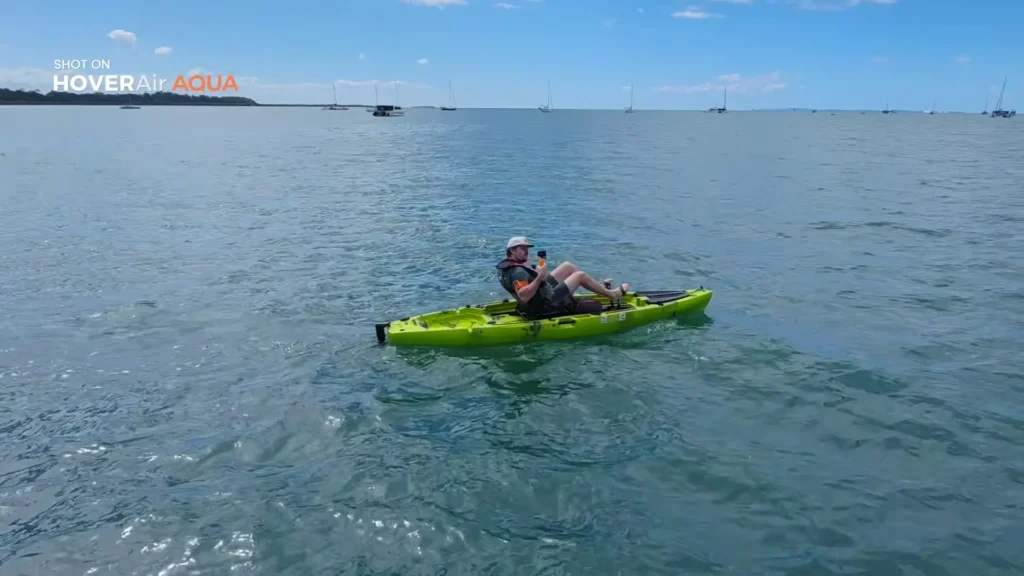
We are heading back out into the middle of the ocean with the HOVERAir AQUA, and this time the goal is to put it through a proper, detailed test on the water. This session covers a wide variety of tracking distances, different altitudes, multiple flight modes, and various other scenarios to see exactly how well the HOVERAir AQUA handles tracking while kayaking across open water.
Table of Contents
How to Launch the HOVERAir AQUA
There are a few different ways to launch the HOVERAir AQUA, and all of them are surprisingly straightforward. You can either toss it into the water and then press the button on the Beacon controller, or you can launch it manually by hand.
Once you press the button on the controller, it gives you a brief moment to ensure there is a safe takeoff distance, and then it is up in the air and ready to go.
The drone immediately enters tracking mode, following closely from behind. The close flat shot mode, as the name suggests, keeps the drone low and near you, and from what you can see in real time, it does a genuinely impressive job of holding that position. Increasing the speed a little to test its responsiveness shows that it handles the pace well, even with a few ocean waves in the mix.
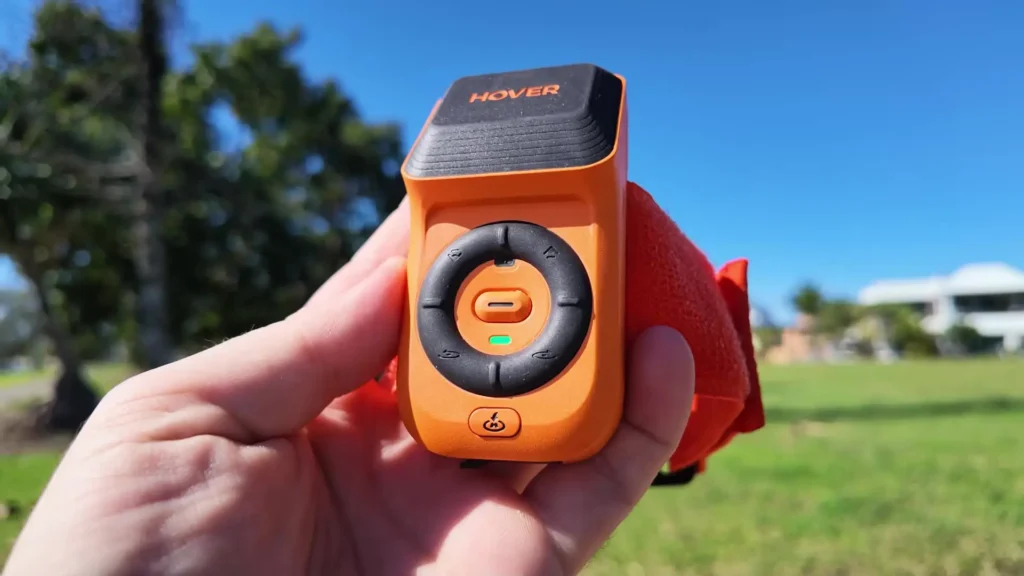
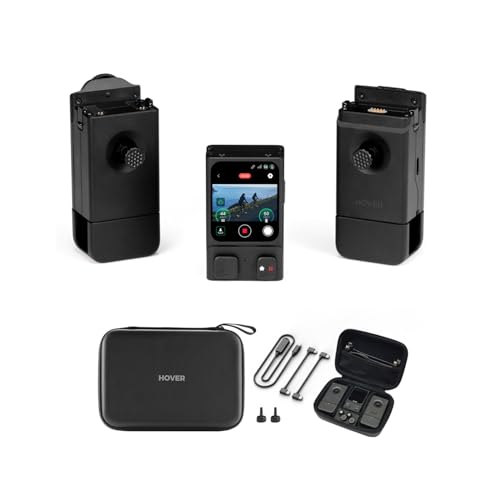
At all times, you have the Beacon controller on hand, which means you can press it to call the drone back to you instantly. If you want it to land in the ocean, you can do the same thing, and when you are ready to launch it again from the water, a single press of the button sends it back into the air. The whole process is remarkably fluid.
Landing and Recovery on the Water
When the drone returns and gets close, the Beacon controller provides audio alerts to let you know what is happening, including a notification that recording is stopping. Because of the HOVERAir AQUA’s bright orange color, spotting it floating in the ocean is very easy, even from a distance in a kayak.
Paddling over to retrieve it takes only a moment, and when you are ready to fly again, pressing the button on the controller triggers a countdown and the drone launches directly from the water back into tracking mode.
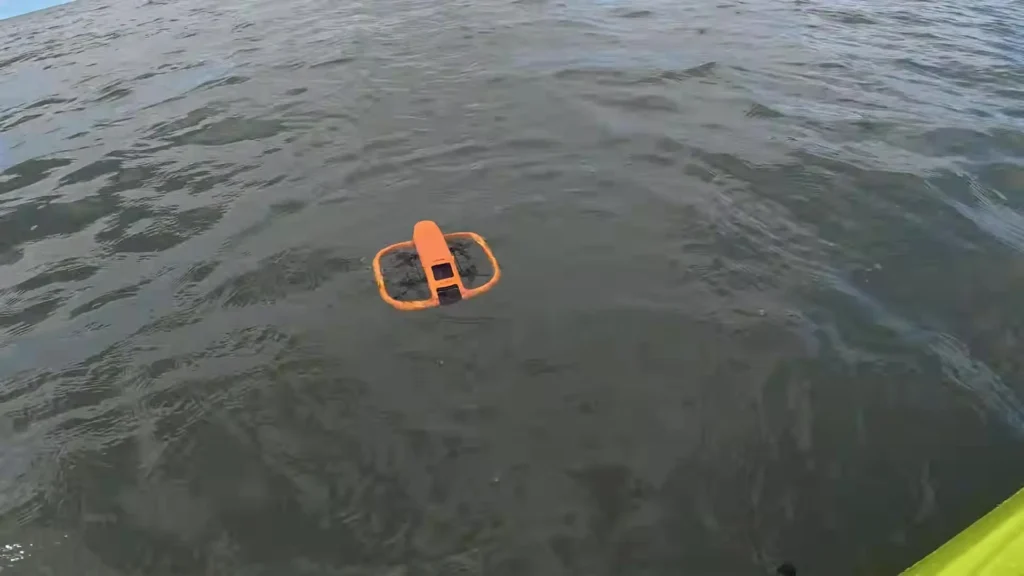
The simplicity of this entire process is one of the most impressive things about the HOVERAir AQUA. Everything about the controller and the drone itself has clearly been thought through carefully. The functions are smooth, the responses are clean, and the whole experience feels genuinely well designed.
Testing the Dolly Track Mode at Mid Altitude
Switching things up, the next test uses Dolly Track mode, which means the drone follows from the front rather than behind, this time at a medium altitude. To demonstrate just how rugged the HOVERAir AQUA is, the drone is tossed into the water upside down. Within seconds, it performs what is called a turtle flip, rights itself automatically, and then launches from the water without any issues.
From there, adjustments are made using the Beacon controller to push the drone a little further away and increase the altitude for a slightly different perspective. The result is a wider, higher shot that still keeps the subject clearly in frame while tracking across the ocean. Being out on the water in a kayak while a drone follows and adjusts to your every movement is a genuinely strange but exciting experience.
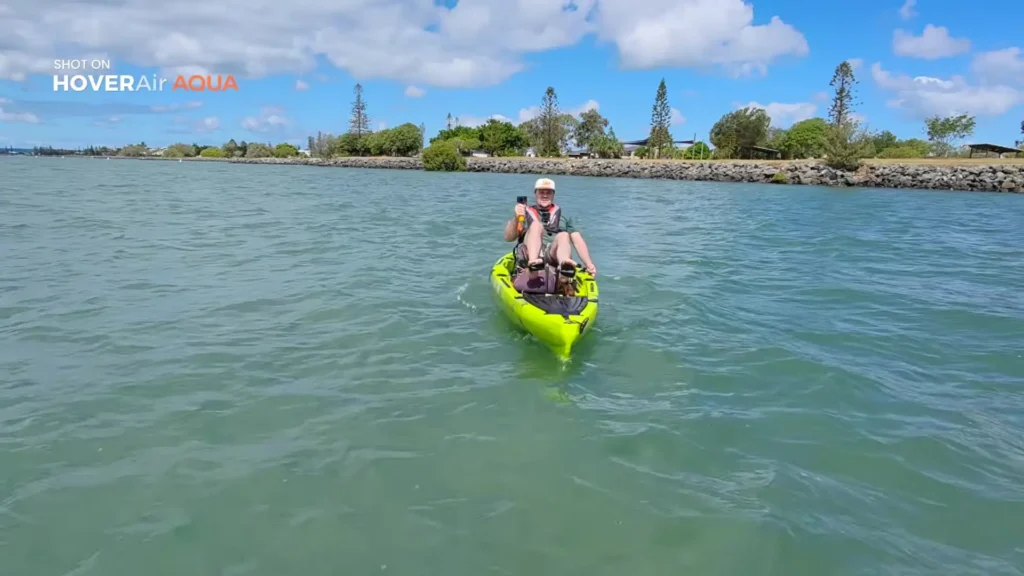
To test how well it handles directional changes, the kayak is turned in a circle while the drone continues tracking. It keeps up with the movement, transitions to the front when needed, and maintains a consistent frame throughout.
All adjustments, including altitude changes, distance changes, and perspective shifts, are made entirely from the small Beacon controller worn on the wrist, which makes the whole setup feel remarkably capable for something so compact.
Hand Catching the HOVERAir AQUA
Rather than landing the drone in the water every time, it is also possible to catch it by hand. By reducing the altitude and bringing it close, pressing the return to home button causes the drone to approach and hover within reach.
A quick flip of the drone upward ends the flight cleanly and easily. It is a satisfying and practical way to wrap up a flight session without needing to chase the drone across the water.

Orbit Mode: Flying Without the Beacon Controller
The next test demonstrates Orbit mode, and this time the Beacon controller is not used at all. The mode is selected directly on the drone, the button is pressed, and the drone launches and begins orbiting while continuing to track.
The Beacon controller still communicates updates, such as confirming that recording has started, but the drone operates fully on its own.
Watching the HOVERAir AQUA circle around while staying locked onto the subject is genuinely impressive. The shot it produces is cinematic, with the drone arcing around at a distance and altitude that creates a sweeping, dynamic angle.
Paddling in the opposite direction to the orbit path and then accelerating to test its response shows that it keeps up without hesitation. When it comes time to stop the orbit, pressing the return to home button brings the drone back. Alternatively, pausing the drone causes it to hover in place and resume tracking, giving you full control over how and when the session ends.
Changing Batteries on the Water
When the battery runs low, swapping it out on a kayak in the middle of the ocean is simpler than you might expect. One useful feature worth knowing about is the small indicator strip located underneath the battery panel.
This strip starts out white, and if it begins to change color, it indicates that moisture has been detected inside the drone. This makes it easy to know whether you need to wait for things to dry out before flying again.
To change the battery, you simply release the two clasps on the side, pull the battery out, and check the indicator strip. If it looks good, you slide the new battery in, press it firmly into place, and the drone is ready to go again.
Holding down the button on the back powers it back on. Bringing a small towel along is recommended just in case you need to dry off the compartment or the battery, but in calm conditions it may not be needed at all.
Kayak Mode
One of the more exciting features to test is Kayak Mode, which is a dedicated flight setting designed specifically for kayaking. Before activating it, you need to make sure the Omni Terrain setting is enabled and that the RTK indicator in the top left corner of the controller display is showing green. Once those are confirmed, you are ready to go.
Launching in Kayak Mode produces a noticeably different result. The drone shoots out low and flat, staying very close to the surface of the water and keeping the kayak as the clear focal point of the frame.
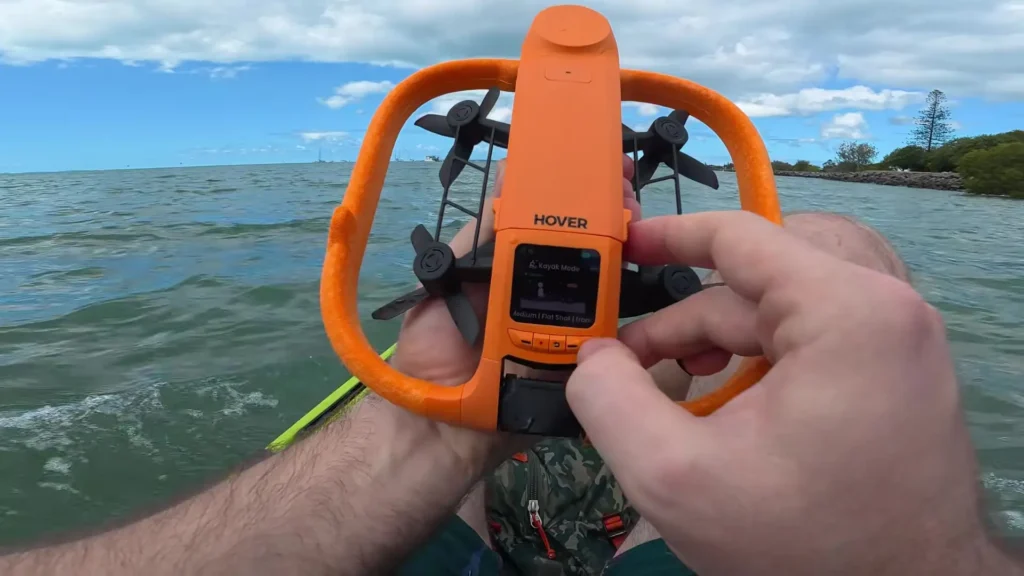
The shot is smooth, level, and cinematic. The drone seems to understand the context it is flying in, using an algorithm that prioritizes a specific framing and perspective suited to kayaking. It keeps the kayak well composed in the shot without any awkward movements or sudden repositioning.
Adjusting the perspective using the controller while in Kayak Mode shows that the drone responds accurately and cleanly, shifting to the left or right as instructed while maintaining its focus on the kayak. Even after landing in the water and relaunching mid-session, it comes back up, completes a short arc, and drops straight back into tracking mode without missing a beat.
Final Thoughts on the HOVERAir AQUA
The HOVERAir AQUA is a genuinely remarkable piece of technology. Flying a drone over the ocean from a kayak, without worrying about water damage, without worrying about losing the drone, and without needing a complicated setup or controller system, is something that feels almost too good to be true. The bright orange color makes it easy to spot on the water.
Recovery by hand or from the ocean surface is simple. Battery changes are quick and practical even in the field. And the range of modes, from close flat tracking to orbit mode to the dedicated Kayak Mode, gives you a variety of creative options depending on what kind of footage you are after.
Read More: DJI Neo 2 Long-Term Review