
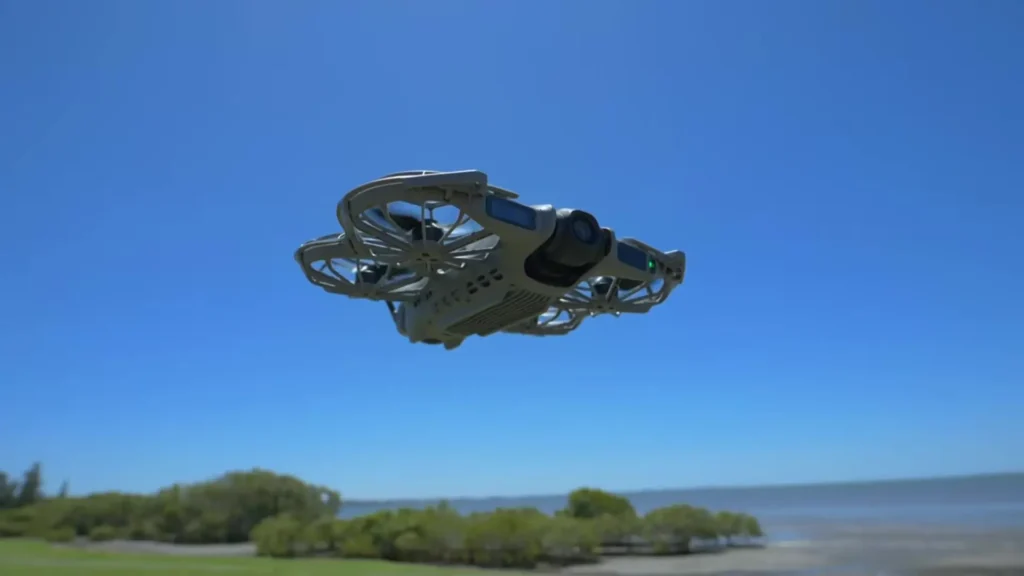
I have created a lot of content about the DJI Neo 2, and it genuinely impresses me every time. Its size, price, and performance make it one of my favorite drones, and I recommend it without hesitation.
Now that nearly a year has passed since I first got my hands on it, I want to share a full long-term review covering every feature I have tested, including real FPV flying, hand launching, Apple Watch control, gesture control, and all the tips and settings I have learned along the way.
Table of Contents
From Neo to Neo 2
The original DJI Neo was already a big success, and I have plenty of content about it on the channel. However, what DJI did with the Neo 2 was improve almost every single aspect significantly. The first thing I noticed right away was the camera quality jump. Beyond that, Neo 2 introduced an obstacle avoidance system, a display screen on the drone itself, and a whole range of new features and updates across the board.
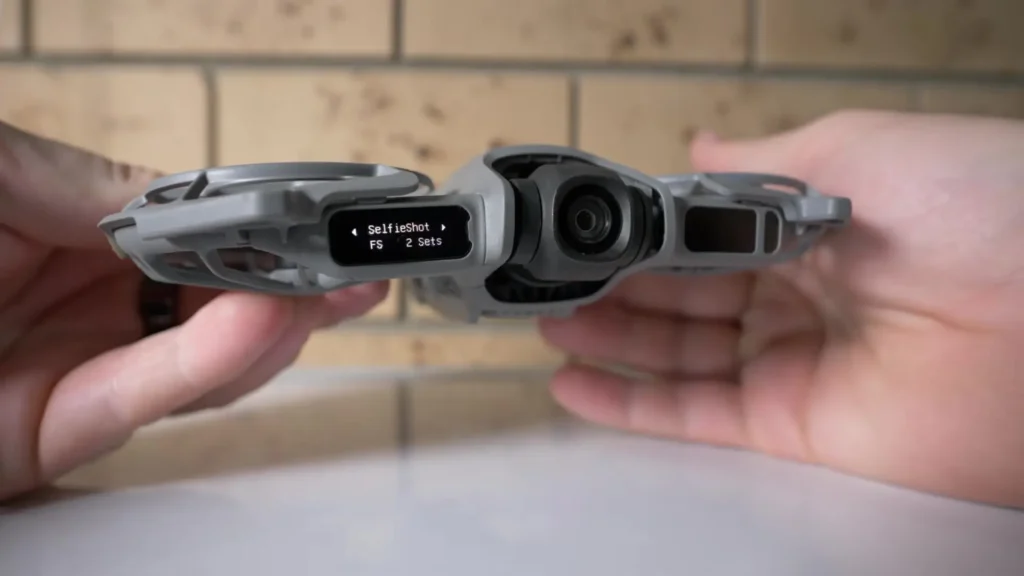
I do not want to take anything away from the original Neo, but it did struggle with wind resistance, which made it unreliable in stronger conditions. The Neo 2 handled nearly everything I threw at it.
It performs on a level that rivals some of DJI’s more advanced drones when it comes to handling wind conditions. On top of all this, the Neo 2 has received numerous firmware updates since its launch, steadily improving the overall user experience.

Control Options That Set Neo 2 Apart
One of the most exciting aspects of the Neo series has always been the variety of control options available, and Neo 2 takes this even further.
Gesture Control
Full gesture control is one of the most impressive additions to the Neo 2. If you ever used the DJI Spark years ago, you will remember waving your hands to control the drone. That feature disappeared for a long time, so seeing it return with the Neo 2 felt like a welcome comeback. The gesture control on Neo 2 is far more precise and refined than anything the Spark offered.
What makes it genuinely useful is how intuitive it is. You can activate tracking mode while gesture control is on, and the drone will follow you. If you want it to follow from the side, simply raise your hand and move it in that direction.
The drone shifts its position, and once you lower your hand, it continues tracking from that new angle. It is honestly easier to use than it sounds, and the applications go beyond what you might initially expect.
Voice Control and Smartphone Control
Beyond gestures, the Neo 2 also supports voice commands, which is a genuinely fun and practical feature. Smartphone control is available as well, giving you another flexible option depending on your situation.
Hand Launch and Catch
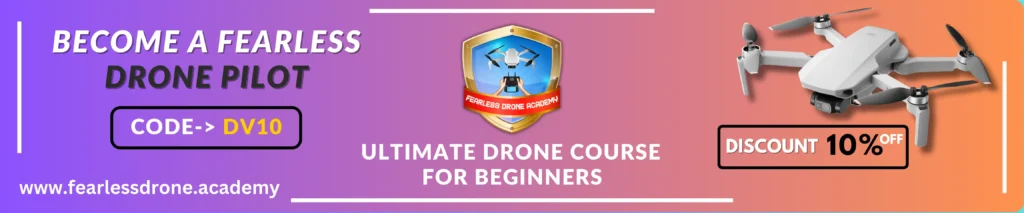
One of the most freeing ways to use the Neo 2 is through hand launching and catching without any controller or phone. The display screen on the drone itself lets you see your current mode and change settings directly. This makes it incredibly convenient for capturing quick shots, especially when you are in a location where pulling out a full controller setup is impractical.
I found myself using hand launch mode far more often than I expected, and it also helps conserve battery life since you are not keeping the drone airborne unnecessarily between shots.
Apple Watch Control
This one genuinely surprised me. Being able to control the Neo 2 from an Apple Watch is something I dedicated an entire video to on the channel. You get a live video feed on your wrist, you can adjust settings, and you can monitor what the drone is seeing in real time.
The practical example that comes to mind is riding a bike. Instead of reaching for your phone or controller, you can simply glance at your watch to check everything is fine and keep going. It is a feature that works better in real life than it sounds on paper.
Also Read: 28 Must-Know Tips & Settings for DJI Neo 2 (Part 1)
RC Controller and Full FPV Mode
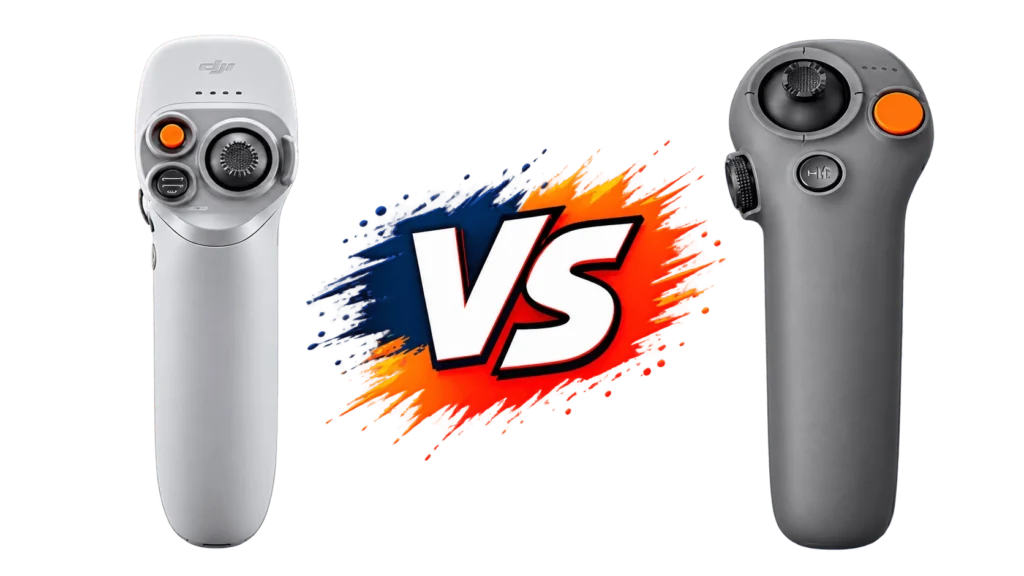
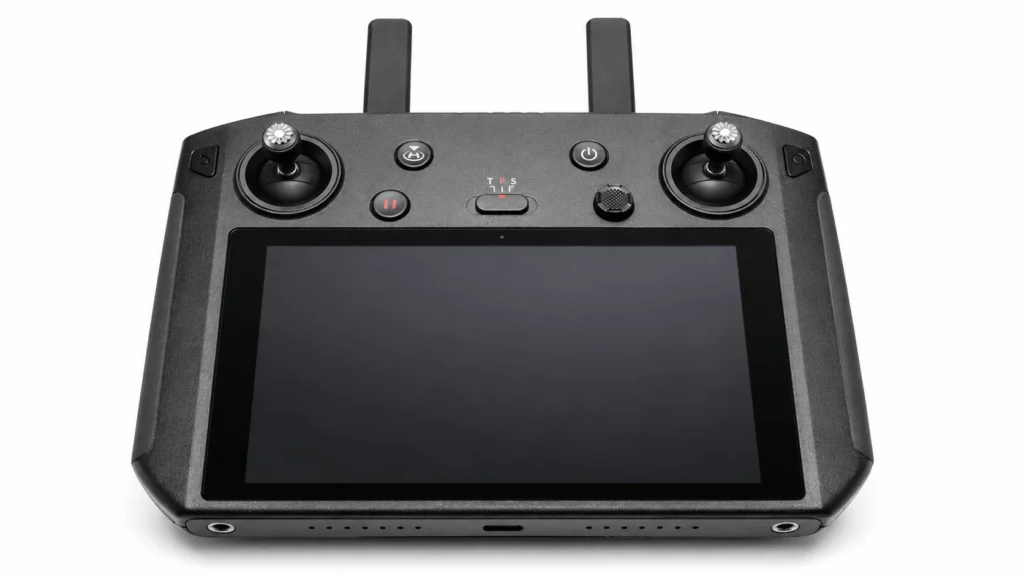
Of course, you can also use a proper RC controller, and this opens up the full FPV experience. Switching to full manual mode lets you perform impressive acrobatic movements and fly in a way that feels completely different from standard or sport mode.
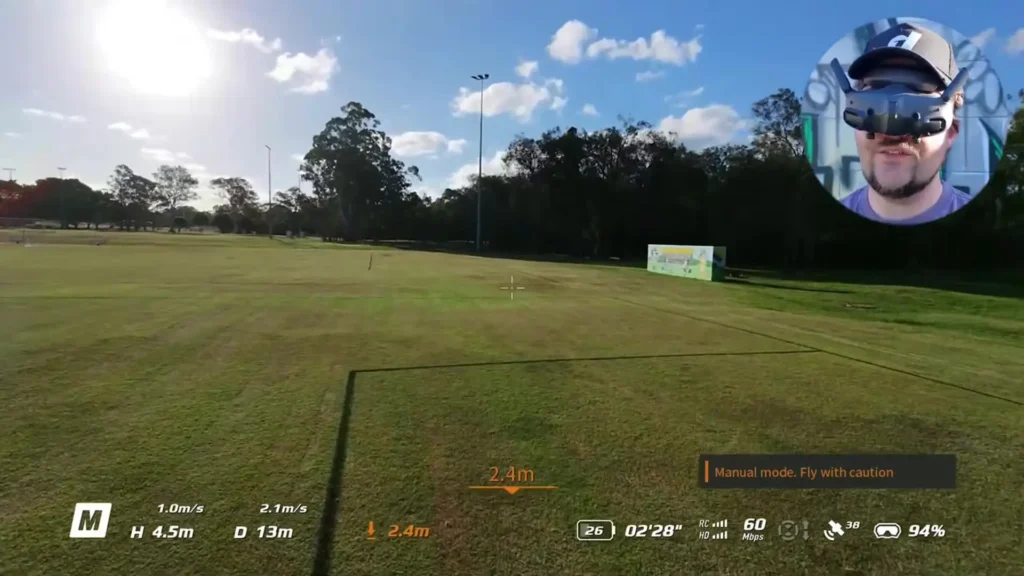
It is honestly one of the best entry points into FPV flying that I can recommend. That said, I strongly encourage anyone interested in FPV to spend serious time in a simulator like Uncrashed before attempting manual mode with the actual drone. The difference in feel and responsiveness is significant, and practice makes a real difference.
Camera Performance and Video Quality
Camera quality is arguably the most notable upgrade from the original Neo, and after a year of use, it continues to impress me.
The Neo 2 shoots 4K video at up to 60 frames per second under standard settings, and it also supports 4K at up to 100 frames per second for slow motion footage. That level of slow motion capability at this price point is genuinely remarkable. The sensor is a 1/2 inch CMOS, and still images are captured at 12 megapixels.
One of the most meaningful hardware improvements is the two-axis gimbal stabilization. The original Neo did not have this, and the difference in footage stability is immediately obvious.
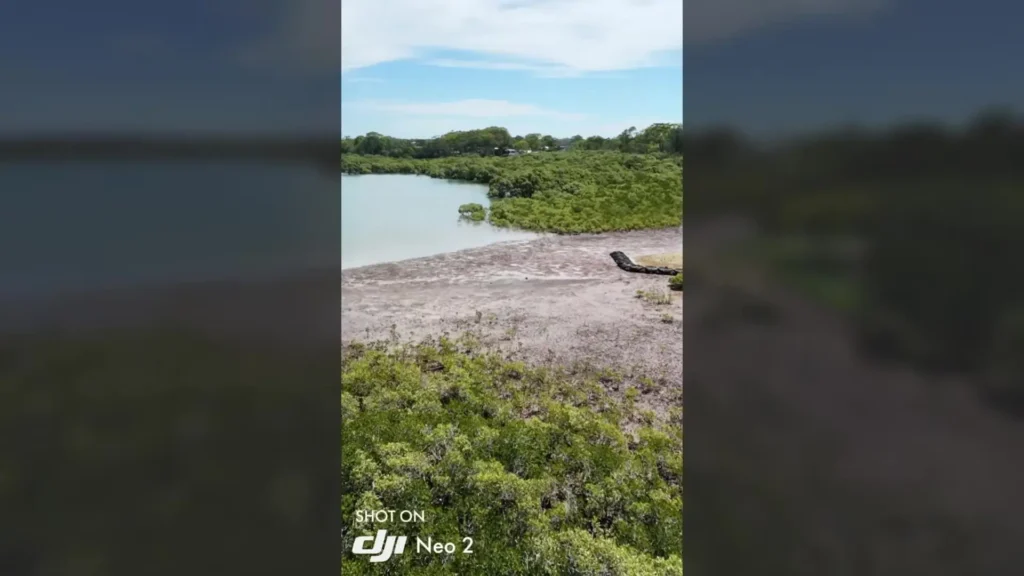
Both drones produce relatively smooth footage in general, but the Neo 2 handles sudden movements, high speeds, and windy conditions far better. Minor jello or wobble in the footage is rare and only appears in the most extreme situations.
Vertical video recording at 2.7K is also supported, making it a natural fit for social media content. Between the slow motion, vertical mode, gesture control, and all the creative shooting options, the Neo 2 is genuinely built for the kind of content creators who want everything in one small package.
Build, Portability, and Storage
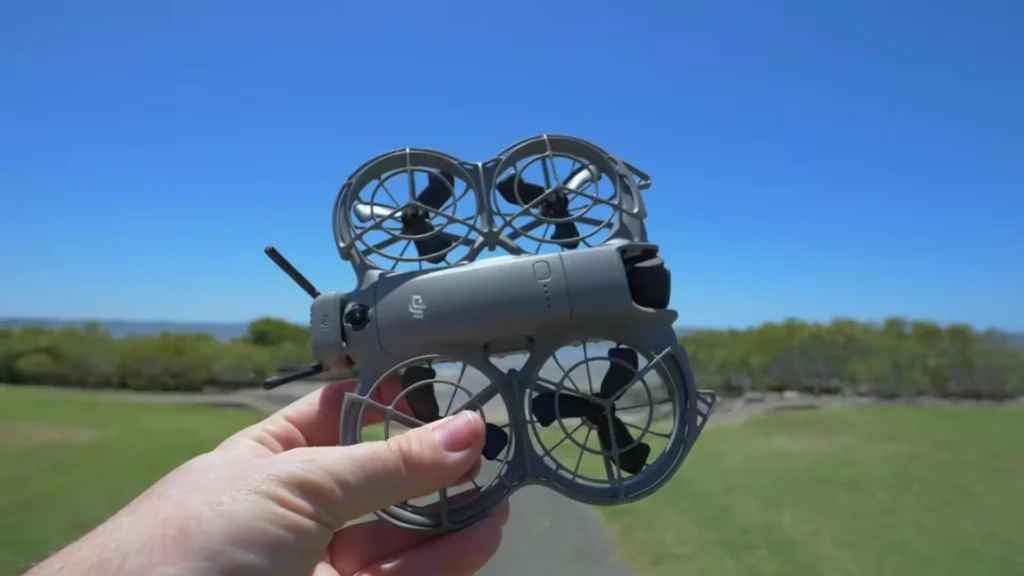
Weighing in at just 151 grams, the Neo 2 sits comfortably below the 250 gram threshold that matters for regulations in many countries. It is compact enough to slip into a bag without any fuss, making it an excellent travel drone.
I would strongly recommend picking up a hard case or protective bag for it. The drone is small, but that makes it easy to damage if tossed loosely into a bag with other gear. Investing in proper protection is worth it.
The internal storage is 49 gigabytes, which I have found to be genuinely sufficient. Even when shooting 4K at 100 frames per second or 4K60, I can capture footage across multiple days without needing to back up or reformat. File sizes are manageable, and the built-in storage removes the need to always carry extra memory cards.
Wind Resistance and Obstacle Avoidance
The Neo 2 features Level 5 wind resistance, which is the same rating found on much more expensive DJI drones like the Air 3S. That means it can handle winds up to 38 kilometers per hour and beyond. Coming from the original Neo, which was noticeably unreliable in stronger gusts, this is a game-changing improvement.
Obstacle avoidance on the Neo 2 is multi-directional and includes a forward-facing LiDAR sensor. The drone also comes with built-in propeller guards, which can be removed if preferred but add real peace of mind for indoor flying.
Flying the Neo 2 through tight spaces, doorways, gaps between trees, or even indoors for real estate footage is a realistic and practical use case. The LiDAR-assisted obstacle avoidance works well in low-light conditions too, which expands the situations where you can comfortably fly.
Battery Life
After a year with the Neo 2, I can say that battery life is the one area where I wish things were different. The advertised flight time is around 19 minutes, but in real-world conditions, you are looking at closer to 14 minutes before you need to bring it back and land safely.
This is not a dealbreaker by any means, but it is the single thing I hope DJI addresses in the next version. The good news is that picking up the Fly More Combo with extra batteries practically eliminates this frustration. With multiple batteries in your kit, the short individual flight times become far less noticeable.
Specification Table
| Feature | DJI Neo 2 |
|---|---|
| Weight | 151 grams |
| Video Resolution | Up to 4K at 100fps |
| Slow Motion | 4K at 100fps |
| Vertical Video | 2.7K |
| Photo Resolution | 12 megapixels |
| Sensor Size | 1/2 inch CMOS |
| Gimbal Stabilization | 2-axis |
| Wind Resistance | Level 5 (up to 38 km/h) |
| Obstacle Avoidance | Multi-directional with LiDAR |
| Internal Storage | 49 GB |
| Advertised Flight Time | Up to 19 minutes |
| Real-World Flight Time | Approx. 14 minutes |
| Control Options | RC Controller, Smartphone, Apple Watch, Voice, Gesture, Hand Launch |
| FPV Support | Full Manual FPV Mode |
| Propeller Guards | Built-in, removable |
| Connectivity | RC Transmitter supported |
My Honest Recommendation After One Year
My recommendation is to get the full package with the RC controller and the Fly More Kit. Going without the RC controller limits your control options and range, and having extra batteries is essential for making the most of your flying time. These additions are not optional extras but they are genuinely necessary for the full Neo 2 experience.
Whether you are a complete beginner handing the drone to a friend and watching them launch it for the first time, or someone ready to push into full manual FPV flying, the Neo 2 meets you where you are and grows with you. That kind of versatility is rare, and it is exactly why this drone earns such a strong recommendation after a full year of real-world use.