
DJI has just released a new firmware and fly update for the Mini 5 Pro, and it brings some genuinely exciting new features. Let me walk you through everything you need to know about the DJI Fly Update 1.21.0.
Table of Contents
What Is the Latest DJI Fly Update?
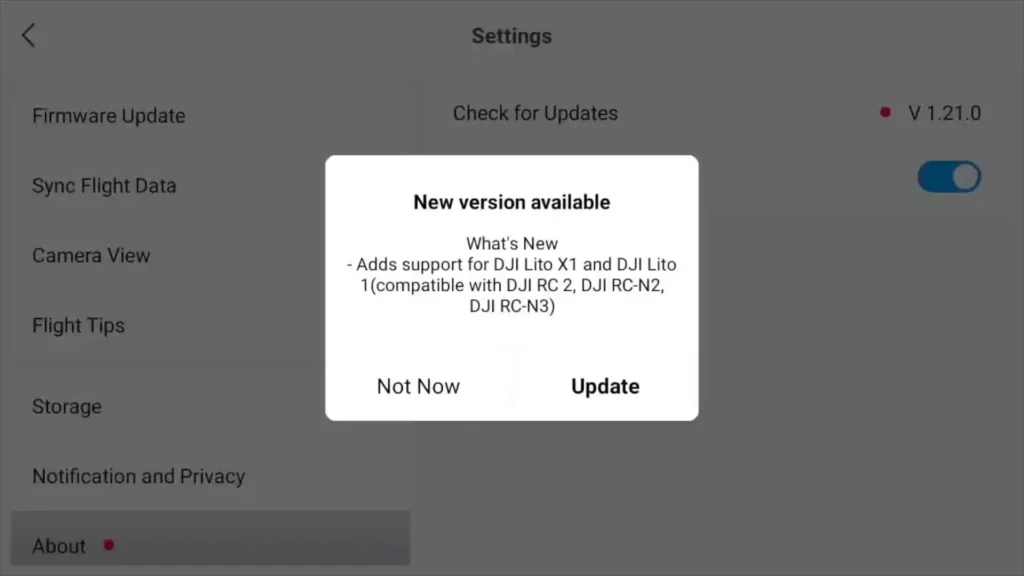
The latest update is DJI Fly 1.21.0 with firmware 01000600. Once you turn your Mini 5 Pro on, you should get a pop-up notification on the screen straight away prompting you to update.
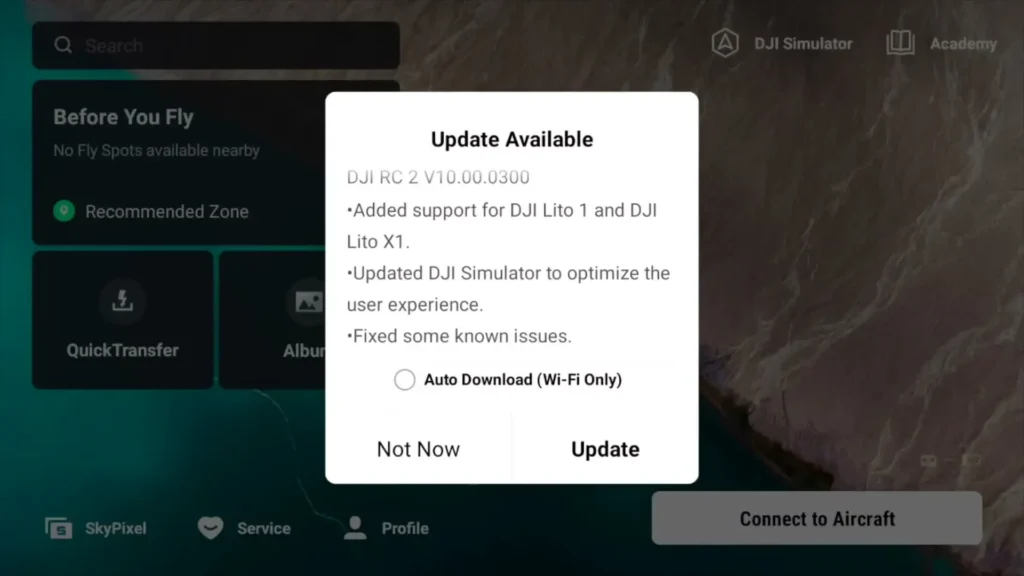
If that does not appear, click on Profile on the main screen, go to Settings, and then select Check for Firmware Update. If that still does not work, head to the bottom left-hand corner on that same screen, click on About, and then click Check for Updates. This will force the RC2 to update the firmware.
New Feature
One of the most exciting additions in this update is inside the DJI Simulator. If you go to the main screen with your drone turned off and click on DJI Simulator, then head into Drone Hangar, you will now see that the Lite series has been added. This means you can fly both the new Lite X1 and Lite 1 inside the simulator.
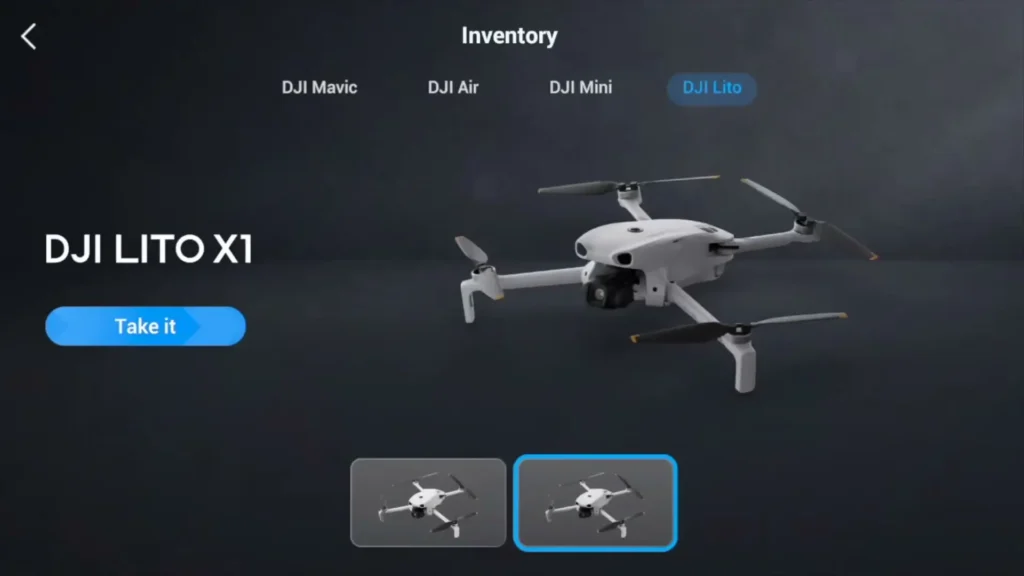
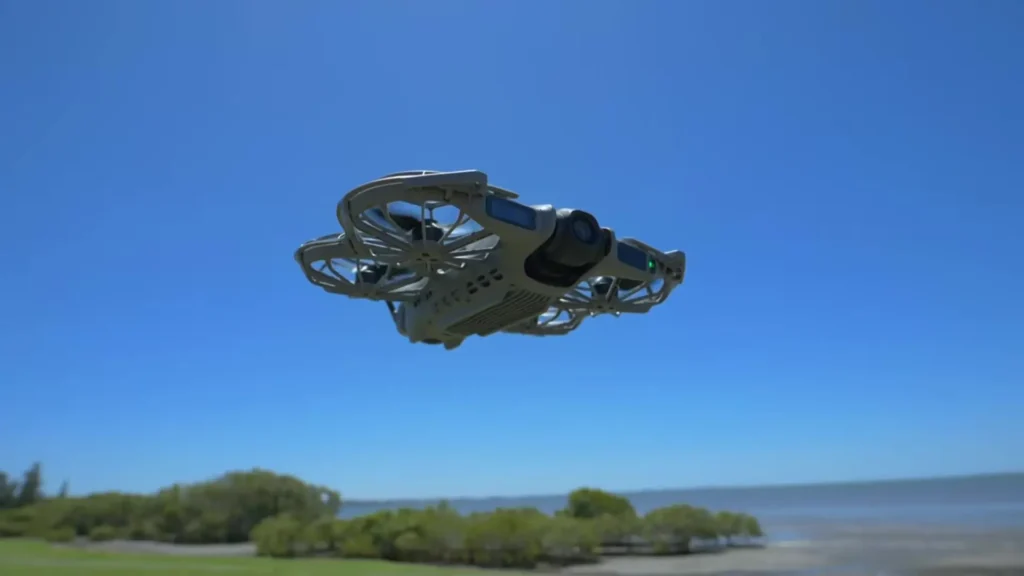
The Lite X1 in particular is incredibly impressive for its price point. It comes packed with a LiDAR sensor, obstacle avoidance cameras, and a 4K camera, making it outstanding value for money. Being able to practice flying it inside the simulator before taking it out in the real world is a brilliant addition.
The simulator itself continues to be a lot of fun, especially on days when rain or wind makes outdoor flying impossible. You can head into Immersive Flight, select one of the available maps such as Sunny Island, and experience what is genuinely the most realistic one-to-one simulation of drone flying available on a built-in platform.
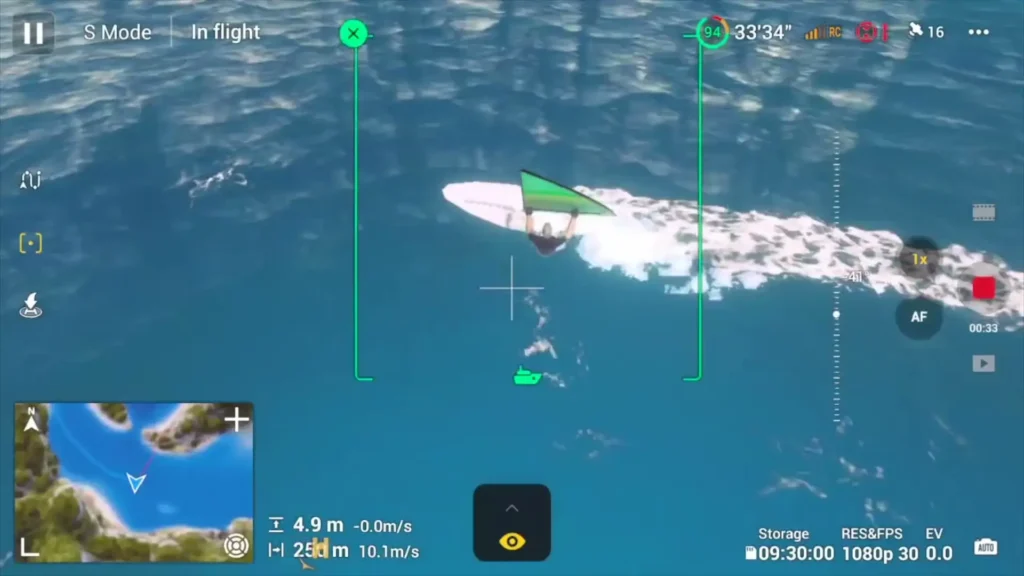
You place your aircraft, start the propellers just like you normally would, take off, and fly freely around the map. You can even practice advanced shots like tracking spotlight moves and the results look fantastic.
One thing that would make this simulator even better is if DJI added the Avata 2, allowing pilots to practice FPV flying directly from the controller. There are great standalone simulators available on PC, but having it built directly into the app would be a fantastic next step. Hopefully that is something DJI considers for a future update.
Aircraft LED Settings Now Updated for Legal Compliance
Another meaningful change in this update relates to the aircraft LEDs on the back of the Mini 4 Pro. Those two green flashing LED lights have received a settings update to bring them in line with current legislation.
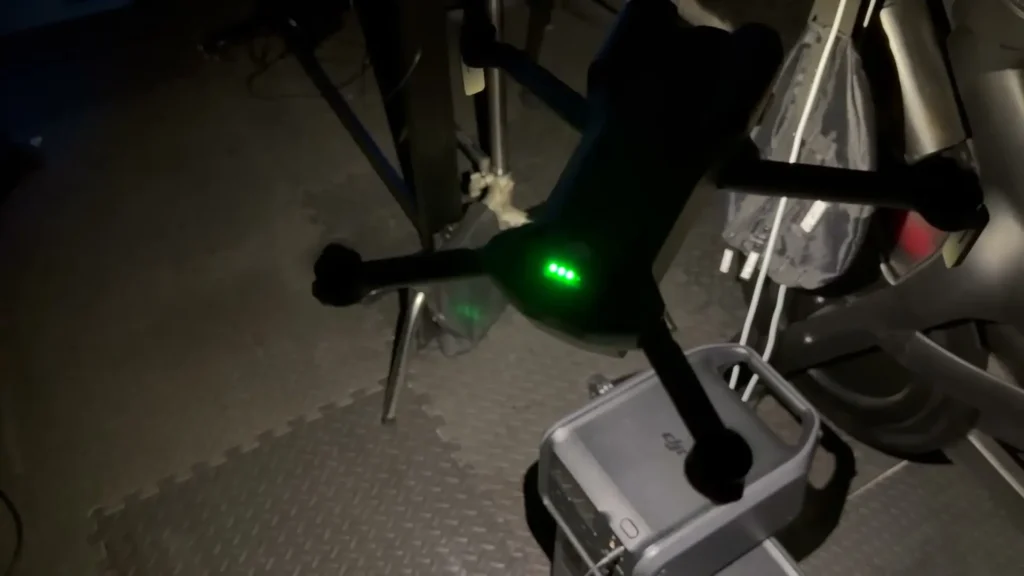
In the UK, regulations now require drones to display a consistent flashing green light at all times during flight. The problem previously was that as soon as you hit record, those green LEDs would automatically switch off and enter a dark mode to prevent any light spill affecting night footage.
While that made sense from a videography standpoint, it meant the drone was no longer compliant with legal requirements, and it also made the aircraft less visible to other people and other aircraft in the sky.
With this update, if you go into Settings, then Safety, and scroll down to Aircraft LEDs, you can now set them to On. This means the green lights on the back of the drone will stay on even while you are recording. This is great news for pilots flying in the UK, EU countries, and Canada, where this setting now helps keep you within legal requirements without needing any additional accessories fitted to the drone.
It is worth noting that pilots in countries like Australia and the USA will still need to have a separate strobe fitted that is visible up to three nautical miles away. A strobe is significantly more visible than the small onboard LEDs, so this update does not replace the need for one in those regions. But for UK, EU, and Canadian pilots, this is a genuinely useful update.
Also Read: How to Bypass DJI Fly App Restriction and Unlock Your DJI Mini Drone
The 120m Altitude Lock Still Remains
Unfortunately, one thing that has not changed with this update is the 120m altitude software lock that was introduced earlier this year for the Mini 5 Pro. Since around the start of the year, pilots in the UK and EU have no longer had the ability to exceed 120m or 400ft through the settings.
While the reasoning behind this from a safety perspective is understandable, the law actually states 120m from ground level. This means that technically, you could fly up the side of a mountain and legally continue climbing as long as you remain within 120m of the closest earth surface beneath you.
However, the software lock prevents you from doing this regardless of terrain. This is an important distinction and one that many pilots find frustrating in practical use.
It is also worth pointing out that this restriction only applies to sub-250g drones like the Mini series. Larger drones such as the Air 3S and Mavic 4 do not have this software lock. Hopefully DJI addresses this in a future update so that pilots can legally fly above 120m in appropriate terrain-based situations.
Final Thoughts on DJI Fly Update 1.21.0
The DJI Fly Update 1.21.0 brings some genuinely useful improvements to the Mini 5 Pro experience. The addition of the Lite series to the simulator is a welcome touch, the LED compliance update is a practical win for UK and EU pilots, and as always, keeping your settings dialled in after any firmware update ensures you get the best possible results every time you fly.
If DJI can address the 120m altitude lock in a future release, that would make this already impressive drone even more versatile for pilots across different landscapes and terrain types.