
If you own a DJI Mini drone and you have been flying in the UK or the EU, you may have already noticed a significant new restriction that appeared in the DJI Fly app.
In this article, I am going to walk you through exactly what has changed, why it matters, and how you can bypass DJI Fly app restriction legally using a modded app so you can continue flying in the mountains and countryside without any issues.
Table of Contents
What Changed in the DJI Fly App
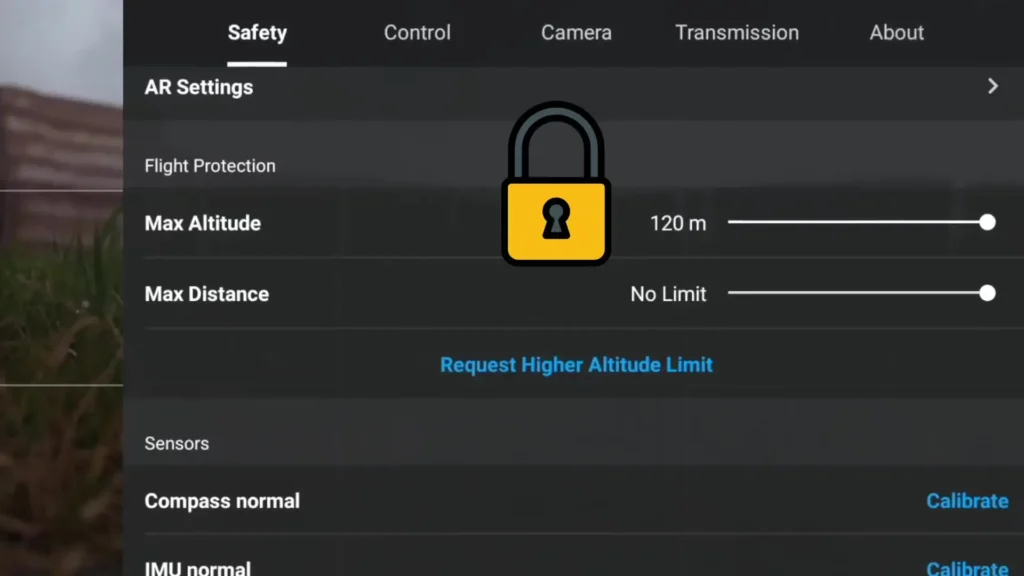
Since November 2025 in the EU, you can no longer declassify any of your DJI Mini drones. Since January 2026, the same restriction has been applied in the UK as well. What this means in practice is that with these small mini drones, you are now locked out in the DJI software to a maximum height of 120 meters, which is 400 feet.
Now, 120 meters is the maximum height you should be flying these drones in the majority of countries around the world anyway. However, in the UK and the EU specifically, that limit is 120 meters above ground level, known as AGL. This is an important distinction.
If you are flying your mini drone in the countryside or up the side of a mountain, as long as you remain within 120 meters of the ground beneath you, you are completely legal to go above the 120 meter sea level mark.
The problem is that the DJI software does not account for this. It has locked the altitude regardless of where you are flying. So even if you are perfectly legal flying up a mountain and staying within 120 meters AGL, the software is physically stopping you from doing so.
Controller Compatibility
Before you go ahead and download anything, it is important to understand which controllers this actually works with, because there is a caveat here.
The Drone Tweaks app works fully on the DJI RC Pro 2. This is a phenomenal controller that features external antennas, a built-in screen, and 2,000 nits of peak brightness, which is around 1,300 nits more than the standard RC2. It is compatible with the DJI Mini 5 Pro, the Mavic 4 Pro, and the Air 3S. Because the screen is so good, it has become my go-to controller.

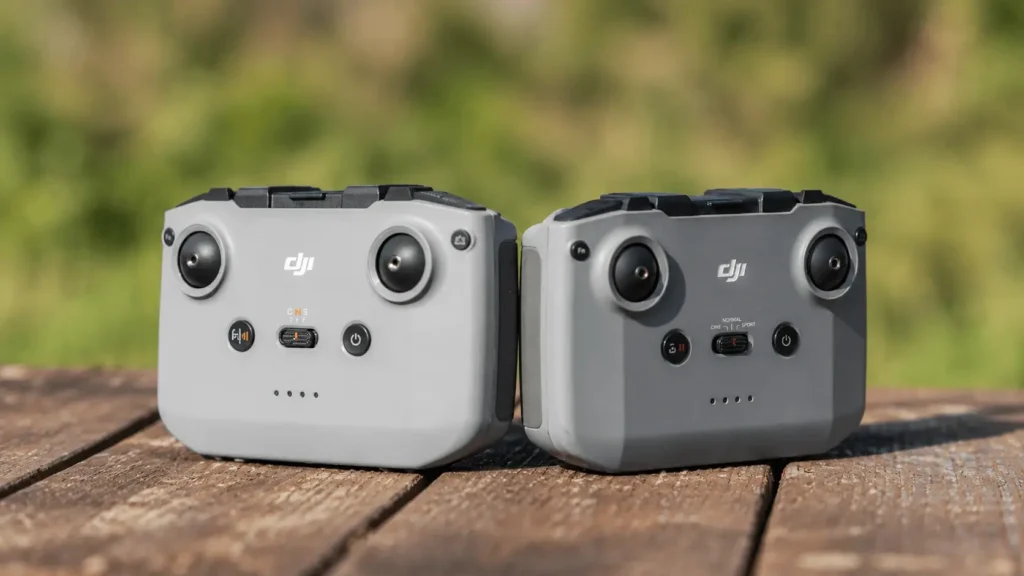
If you have the standard RC2, unfortunately this is not going to work for you at this stage. The RC2 controller does not allow for any additional apps. It only runs the standard DJI Fly app, so there is no way to install the modded version onto it.
If you are using the DJI N2 or N3 controller, you are in luck. You can get the exact same Drone Tweaks app, but you will be installing it on your phone, either iPhone or Android, and then connecting your phone to the controller as normal.
How to Download and Set Up Drone Tweaks
The process is straightforward and the whole download took me around one minute whether I was installing it on my phone or on the RC Pro 2.
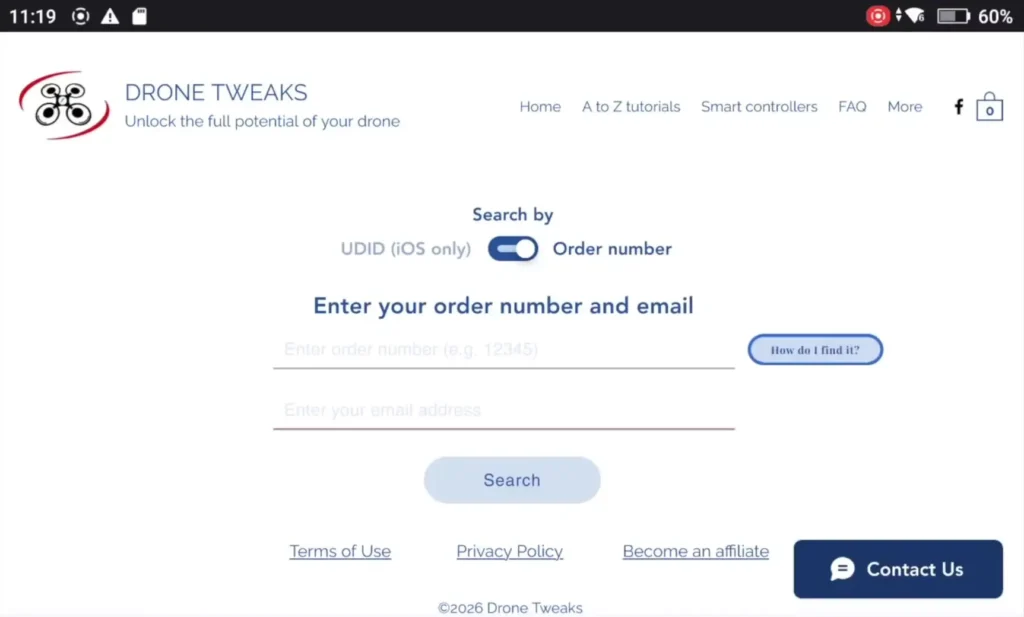
To get started, go to the Drone Tweaks website and select which controller or device you are downloading it for. Once you complete checkout and pay, you will be emailed a username and a password.
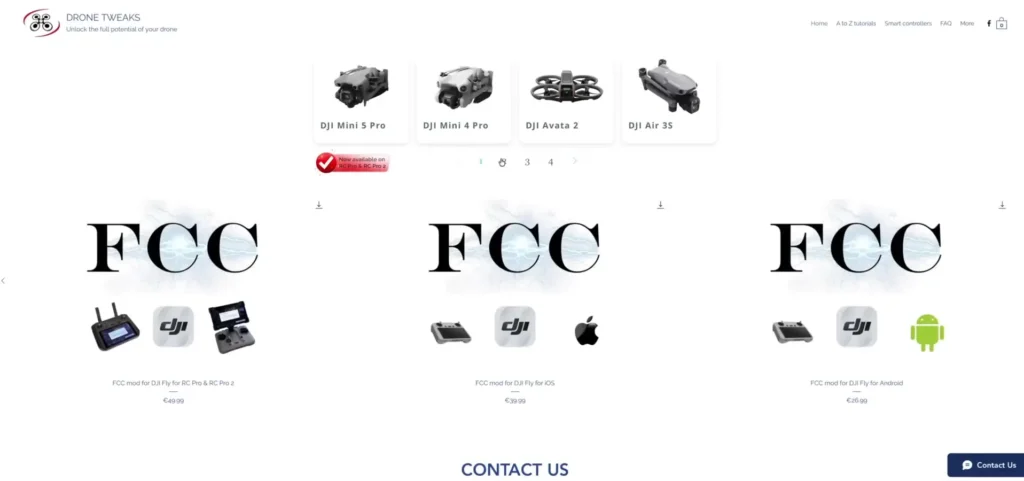
If you are installing it on your mobile device, you simply input those login details and download the modded DJI Fly app directly to your phone. You then connect your phone to your N2 or N3 controller, connect to your Mini 5 Pro, and the restriction is gone.
If you are installing it on the RC Pro 2, open up the Firefox browser that is built into the controller and type in the Drone Tweaks website address. Once you are on the site, click the top right corner where it says download information, enter your username and password, and click download. The app will install directly onto the RC Pro 2.
Read More: Drone Companion App : All-in-One Tool Every Pilot Needs
Drone Tweaks FCC DJI Fly App
What is really great about using this on the RC Pro 2 is that once it is installed, you will have both the modded DJI Fly app and the standard DJI Fly app sitting on your home screen at the same time. You can switch between them whenever you want.
So if you are flying at a standard location where you will not be going anywhere near the 120 meter limit, you can just use the normal DJI Fly app. Then the next day, when you head to the mountains with your mini drone, simply open the modded version instead.
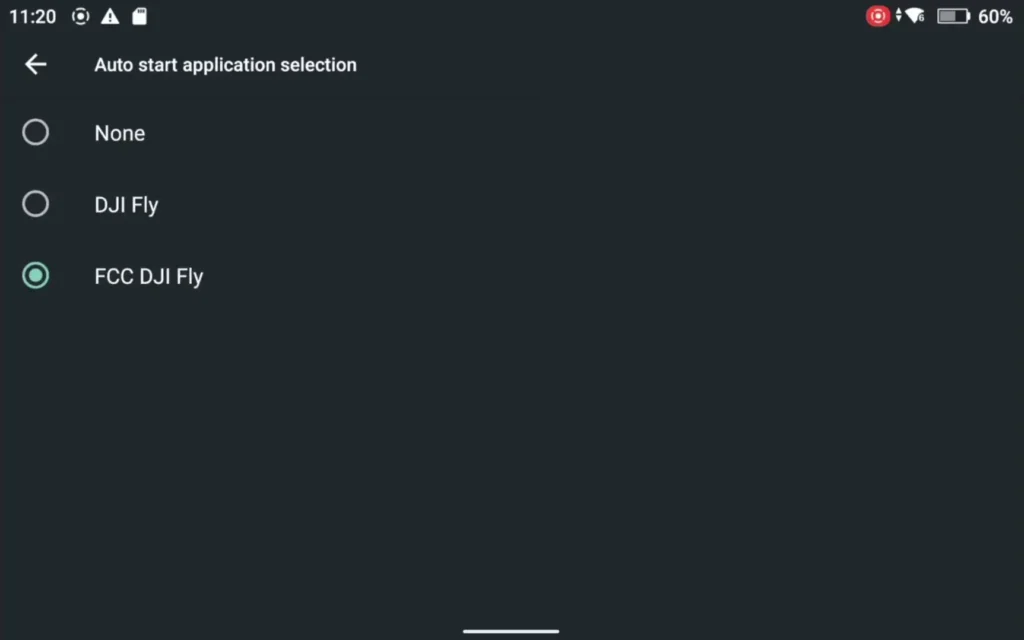
There is also a handy tip for RC Pro 2 users. Go into settings, then apps and information, and look for the auto start application selection option. From there you have three choices. You can set the controller to always boot into the modded DJI Fly app, always boot into the standard DJI Fly app, or set it to none so you can choose manually each time you turn it on.

How the Modded App Compares to the Standard DJI Fly App
Once you open the Drone Tweaks version of the DJI Fly app, it is essentially identical to the standard version. You can log in using your normal DJI credentials. All the menus are exactly the same.
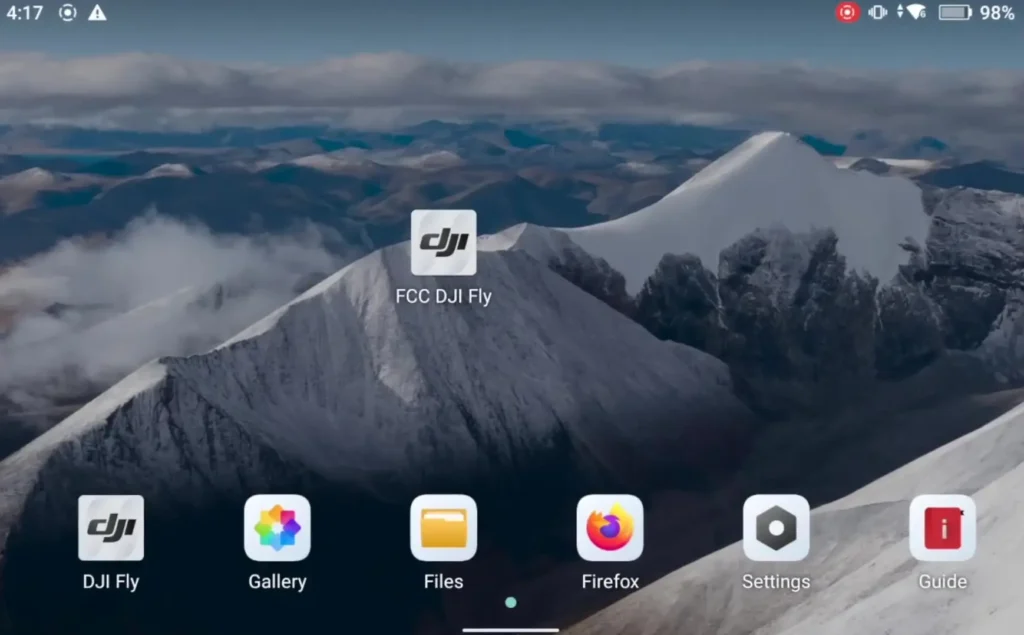
You can change your settings, connect to your aircraft, and access everything just as you would in the regular app. The only real difference I noticed is that it takes around 10 seconds to boot up when you first open it. After that, everything runs just as smoothly as the original.
Final Thoughts
I am really glad this option exists. The mountains and the countryside are my favorite places to fly, and the idea of being locked out of legal flights in those locations because of a software restriction was genuinely frustrating.
Now with this workaround, I can still take my mini drones to these locations, fly legally, and have the flexibility to go above 120 meters when the terrain and the regulations allow for it. If you are in the UK or the EU and you have been affected by this DJI Fly app restriction
Read More: DJI Lito X1 vs Lito 1 Obstacle Avoidance & ActiveTrack Test