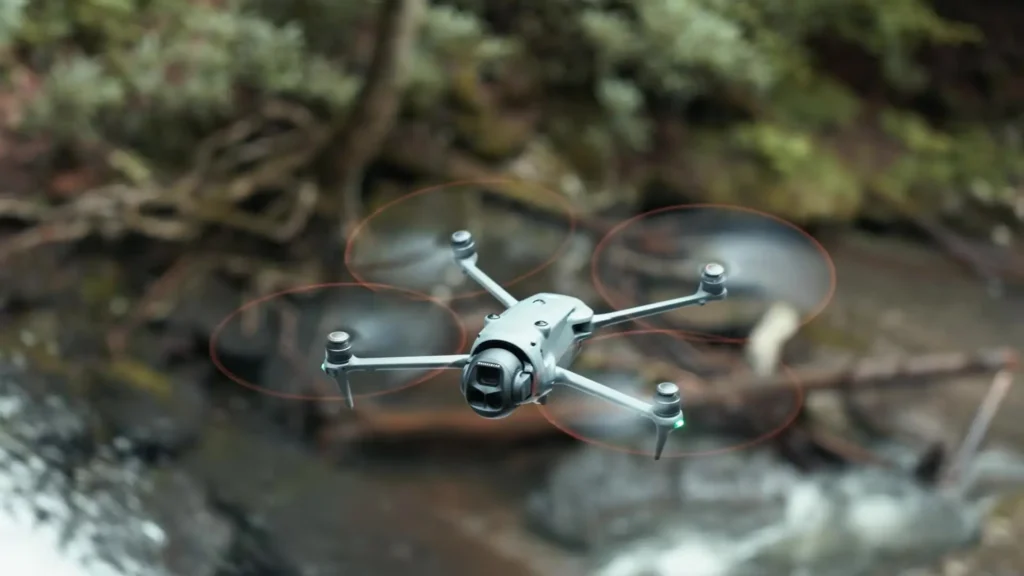

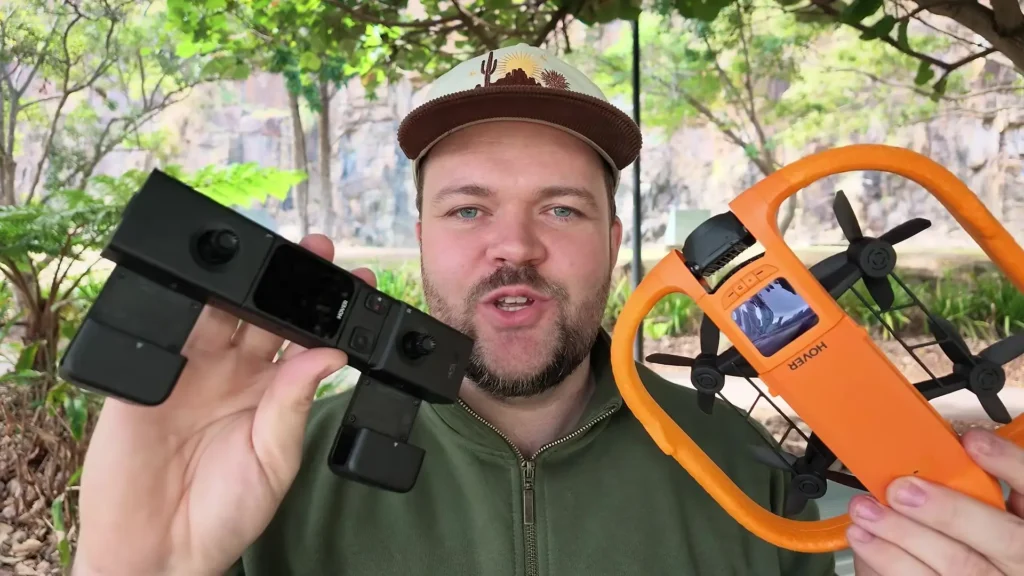
We already know how capable the HOVERAir AQUA is when it comes to water, but how does it perform as a complete drone experience? In this article, we are breaking down exactly how the Beacon device and the joystick controller work with the AQUA to transform it into a fully featured drone setup.
There are many ways to use this controller, and the results are impressive. For transparency, HOVERAir provided the HOVERAir AQUA for review purposes, and this content is sponsored by HOVERAir.
Table of Contents
Getting Started with the Beacon Device
One of the first things you will notice is how easy it is to pair the Beacon with your drone. The moment you connect them, you get an instant video feed from the drone directly on the Beacon screen. This alone makes it a powerful standalone tool, but it is also one part of the larger controller setup.
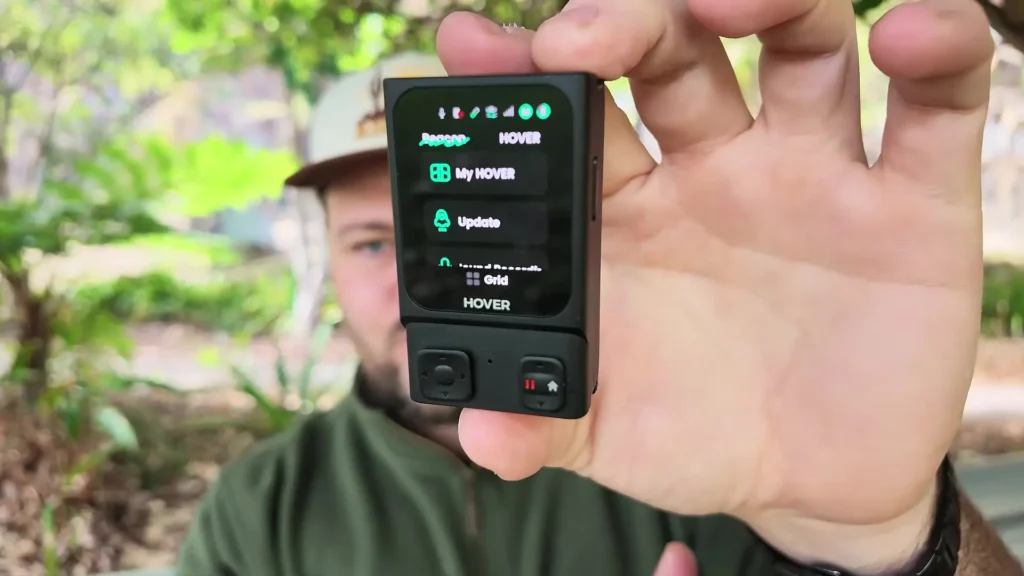
Using the Beacon by itself, you get a live video stream, a touchscreen interface that gives you full control over all parameters, shooting modes, tracking modes, and much more.
There is also a small joystick on the device, a return-to-home button, and a pause function, all built right into the Beacon. It is a completely self-contained control experience if that is all you need.
Exploring the Beacon Touchscreen Controls
The touchscreen on the Beacon gives you complete customization options. You can go in and change all your video and photo settings with ease. Slow motion mode is accessible directly from the screen, and you can also switch between HLG mode and the default mode, as well as adjust frame rates. All the different controls and options are laid out clearly and intuitively.
What makes this especially useful is that you can press a button to change modes while the drone is in the air. You never have to touch the drone itself at any point during your flight. You can manage everything you need right from the Beacon, which is a genuinely smart design choice.
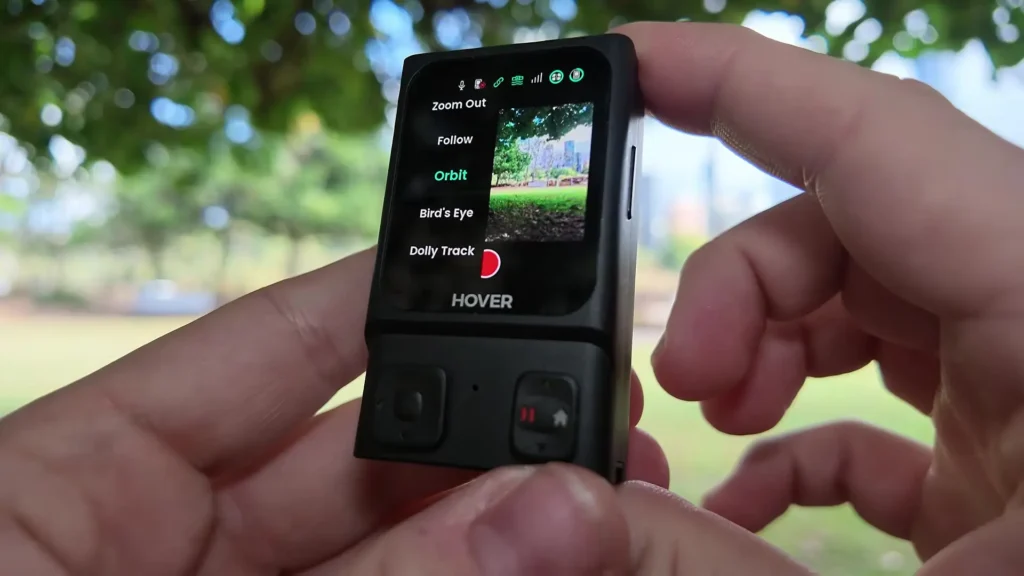
The Beacon itself is remarkably compact. It fits easily into a bag or pocket, making it one of the most portable controller options available. The small joystick lets you direct the drone wherever you need it to go, and with just two buttons on the front and one on the side, the physical controls are as simple as they get.
You can also swipe through the interface to access more advanced settings or enter a more professional mode if you want deeper control. Swiping up from the bottom lets you check flight and shooting options, while swiping down gives you another set of options. There are multiple ways to interact with the Beacon depending on what you need at any given moment.
Connecting the Joystick for Full HOVERAir AQUA Controller Experience
The real genius of this system lies in the modular design. The Beacon features a small magnetic pin system, so you can attach it directly to the joystick handle using two side clips. Once connected, you have a physical joystick combined with motion control capability, which opens up a completely different level of drone control.
There is a small button on the back of the controller. By holding it down, you can control the drone using motion, simply tilting and moving your hand to guide the drone in any direction. You can also extend the handle by pulling it downward for a more comfortable grip, which is the preferred way to fly for most sessions.
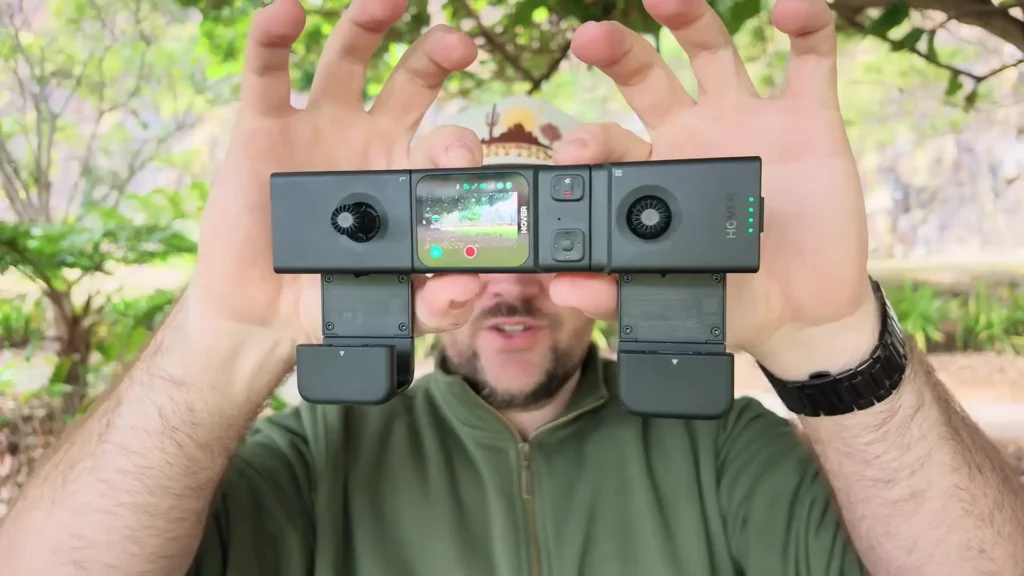
Even in this configuration, you still get the full video feed and all the Beacon functions. It is now a complete motion controller without losing any of the features from the Beacon alone.
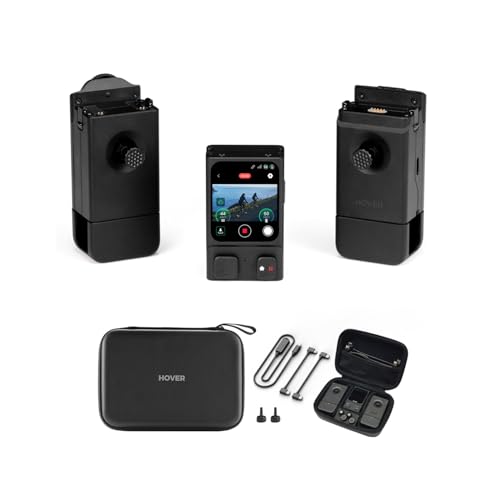
If you want to take the HOVERAir AQUA Controller setup to its final form, you can attach one more piece, a second joystick that also connects magnetically using the same pin design. This folds out into a traditional controller layout that will feel familiar if you have used other drones before.
It is comfortable in the hand, lightweight, and easy to carry. You can also mount your phone on it for an additional video feed if you prefer a larger screen, though the Beacon screen already handles that job well on its own.
Build Quality and Reliability
This controller has been in use since the Pro Max release, and it is clear that it was built to last. The design is solid and has held up consistently through heavy use. Despite having three separate pieces that connect and disconnect repeatedly, there have been no issues with any of the joints or functions.
Every piece continues to feel sturdy and reliable, and in every configuration, the drone is easy to navigate and responds accurately to inputs.
Flying the HOVERAir AQUA with the Beacon Only
Using just the Beacon in tracking mode is a smooth and simple experience. You press to launch the drone, and once it is airborne, it automatically enters tracking mode and begins following you. The video feed starts recording automatically, and you can customize the angle from which the drone follows you by adjusting it directly from the controller.
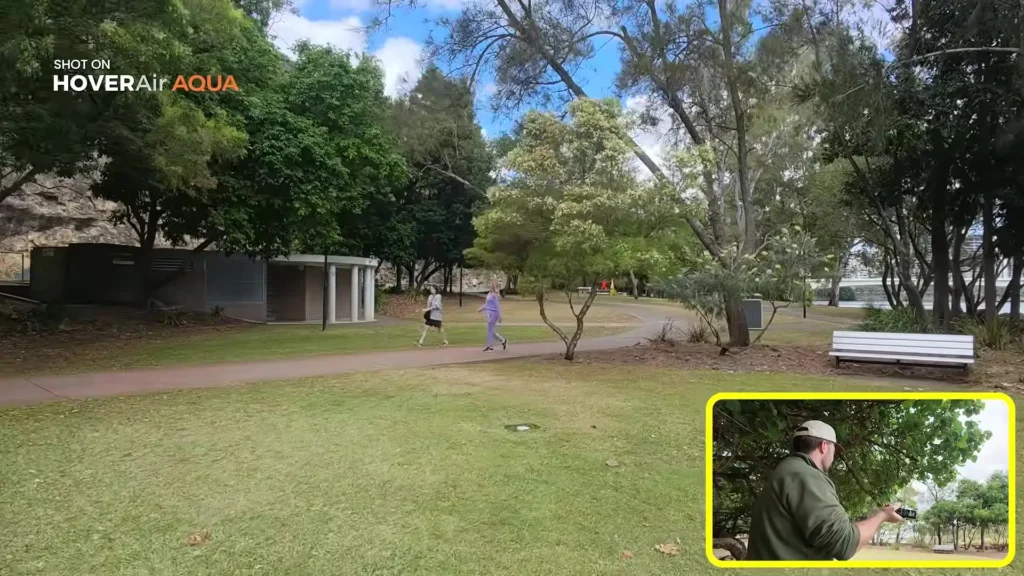
You can pull the drone closer, push it further away, or change its direction entirely, all while it continues tracking you in real time. Having that extra ability to adjust tracking direction during flight makes a noticeable difference in the quality and variety of shots you can capture. And when you are done, the Beacon fits right back in your pocket.
Motion Controls and Manual Flight
For manual control, the joystick lets you guide the drone up, down, left, and right with precision. But the motion control feature takes things to another level. By holding the button on the back and tilting your hand forward, backward, left, or right, you get full motion-based control of the drone. The joystick handles altitude changes while motion controls handle directional movement.
This combination is surprisingly intuitive. After a short adjustment period, it starts to feel like a very natural way to fly. Flying the AQUA over water using motion controls, adjusting altitude with the joystick, and capturing smooth footage all at the same time becomes second nature fairly quickly.
The drone hovers and holds its position the moment you release the controls, which adds a reliable safety net to the whole experience.
During one flight session, rain started unexpectedly. With any other drone, that would have meant bringing it down immediately. With the HOVERAir AQUA, it was not a concern at all.
Flying through rain, capturing footage of boats passing below, and getting unique perspectives that most drones simply cannot offer in wet conditions is one of the standout advantages of this waterproof design.
Range, Responsiveness, and Shot Quality
Using the Beacon and joystick together provides a noticeably extended range compared to flying the AQUA without any controller. The estimated range of around one kilometer holds up well in real-world conditions as long as there is minimal interference. The connection stays stable and reliable, which gives you the confidence to push the drone further and capture higher perspectives.
The controller is also highly responsive. Switching between settings during flight is quick and smooth. The drone responds accurately to stick inputs whether you are adjusting altitude, rotating, tilting, or moving in any direction. Footage captured through this setup comes out stable and smooth, consistent with what you would expect from a well-stabilized aerial camera system.
The orange color of the AQUA also helps with visibility, particularly against darker backgrounds like city buildings or overcast skies. Being able to spot the drone easily adds another layer of confidence during longer flights.
Final Thoughts
The HOVERAir AQUA Controller setup, combining the Beacon, the joystick handle, and the full controller configuration, transforms what is already a capable waterproof drone into a genuinely versatile aerial platform. It gives you more functionality, greater range, and a more engaging flying experience than using the drone on its own.
Whether you prefer the compact simplicity of the Beacon alone, the motion control experience with the joystick attached, or the full traditional controller layout, each configuration offers something different and useful depending on your shooting situation.
Read More: HOVERAir AQUA Review