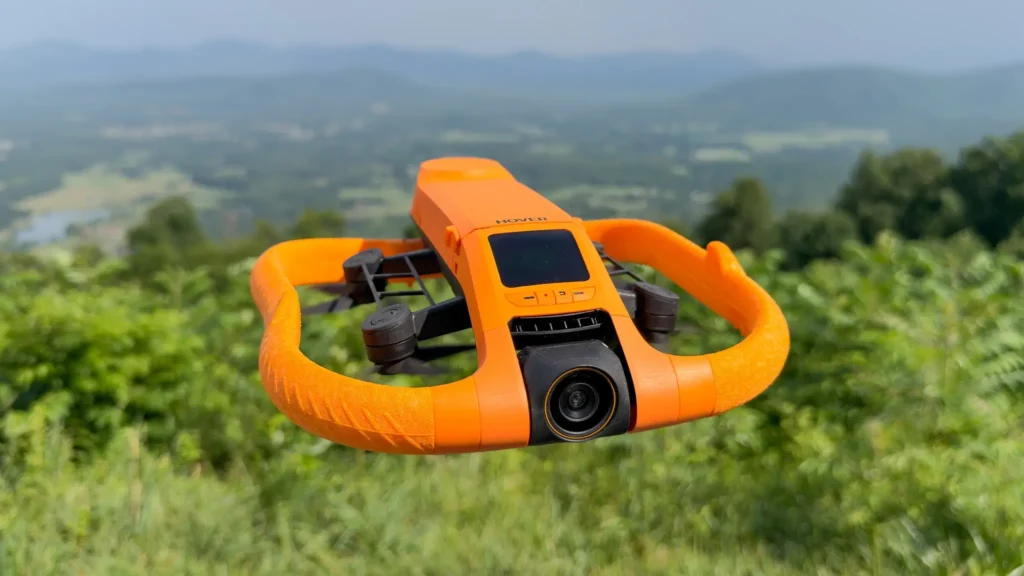

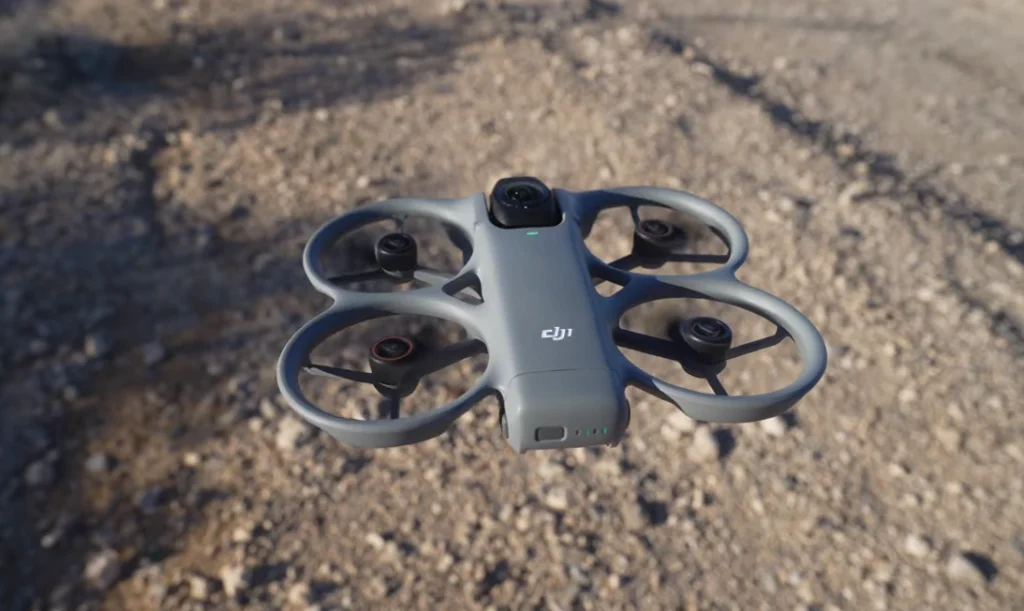
DJI has released its first firmware update for the Avata 360, and it’s a significant one. The update affects the aircraft (v01.00.0100) and its entire ecosystem, including the goggles, remote controllers, DJI Fly app, and DJI Studio. There’s a lot to look at for a day-one release.
New Features & Performance
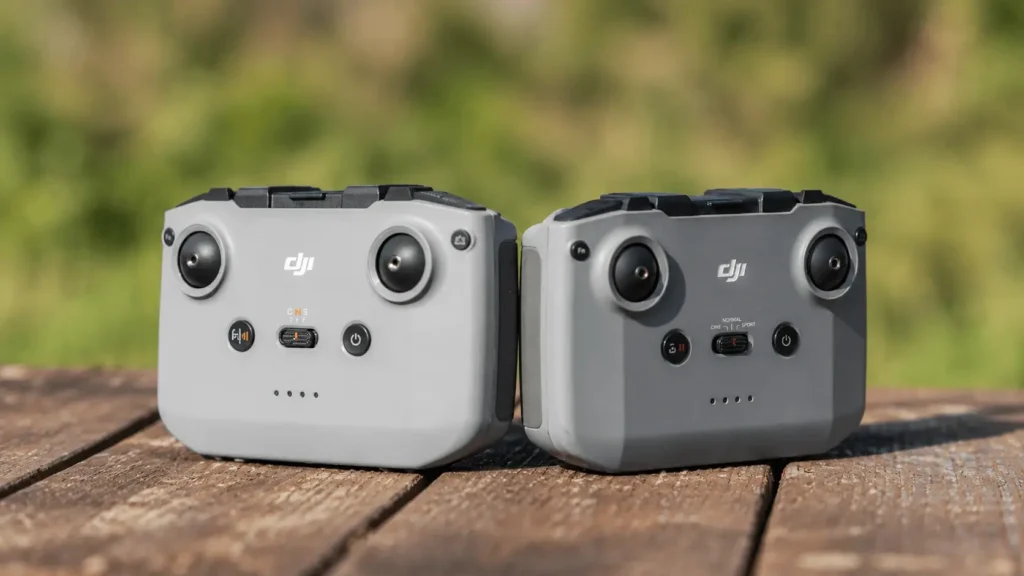
The update adds compatibility with the DJI FPV Remote Controller 3. This provides more precise manual control options beyond the motion-based flying the Avata 360 is known for. This is a welcome addition for pilots who prefer traditional stick inputs for cinematic or high-speed work.
Sport mode also receives a speed increase, with the maximum horizontal flight speed rising to 18 m/s. This makes the drone a more competitive choice for capturing fast-moving action.
On the intelligent flight side, FocusTrack can automatically identify cyclists and skiers, which pushes DJI further into action sports where hands-free tracking is often essential.
Pilots using goggles in 360° mode will also notice a more responsive head tracking experience due to reduced latency and the addition of roll angle control. Both improvements make immersive FPV feel more natural and intuitive.
Read more: DJI Fly App 1.19.5 Update: What’s New, Should You Update
Video & Image Upgrades
Creative flexibility advances with 2.7K recording now available at six frame rates: 60, 50, 48, 30, 25, and 24fps in Single Lens mode. A new Panorama Stitching Calibration tool has been introduced to improve the accuracy of 360-degree image rendering. This feature is a key aspect of what makes this drone unique.
Goggle users watching high-resolution footage will also benefit from optimized 8K/30fps and higher panoramic playback in Free View mode, with significantly reduced latency.
Additionally, the tilt angle display in FocusTrack’s Spotlight Free mode now moves dynamically with the flight direction, giving pilots a clearer sense of orientation during shots.
Before You Update
DJI recommends restarting the aircraft, remote control, and goggles once the update is complete. Keep in mind that the update may reset key flight parameters such as RTH Altitude and Maximum Flight Distance, so note down your preferred settings before proceeding. If the update doesn’t go through, restart all devices along with the DJI Fly app or DJI Assistant 2 and attempt the installation again.
Read More: DJI Avata 360 – An Honest Cinematic Review