
The latest DJI Fly app update, version 1.19.5, has been released. What is it all about, and should you go ahead and update it? Let’s dive in and find out everything you need to know about the DJI Fly app 1.19.5.
What’s New in DJI Fly App 1.19.5?
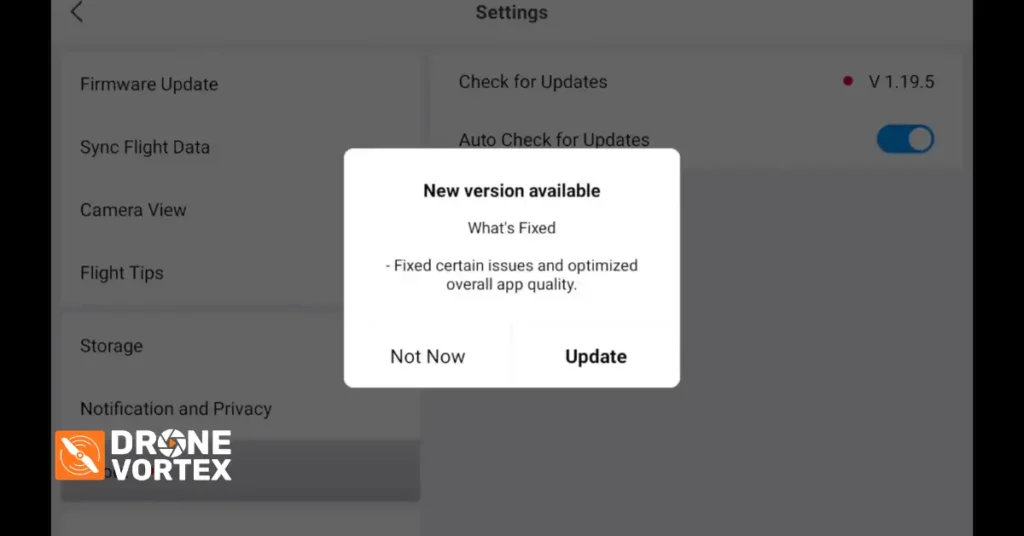
Now, when it comes to the DJI Fly app 1.19.5, DJI has gone with their usual approach of keeping the update notes fairly vague. The official changelog simply states that this update fixes known issues and optimizes overall app quality. That does not tell us a great deal, does it? Before I get into the update itself and show you how to install it, I want to address something important.
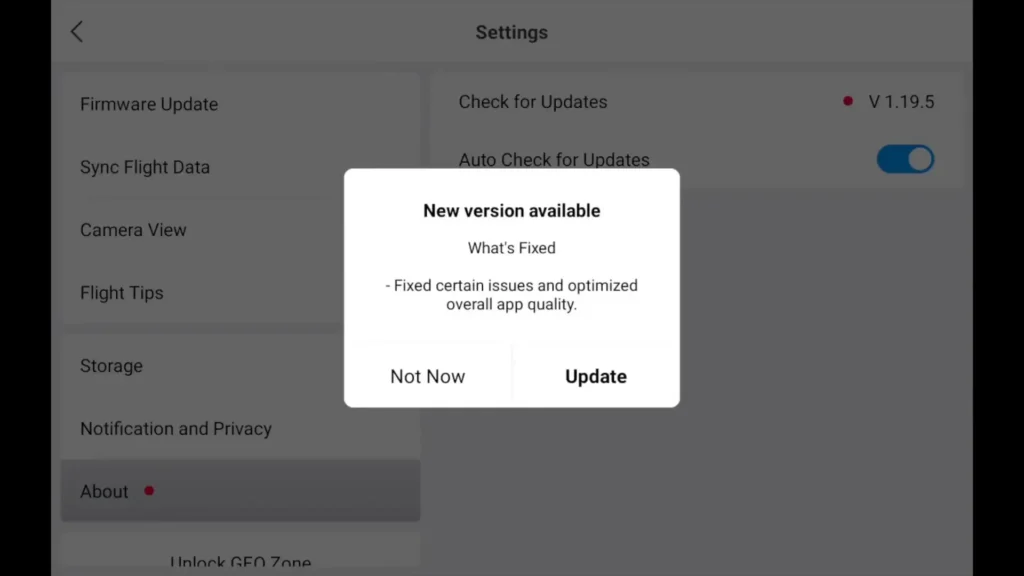
I have seen a lot of posts on the forums since it was only released yesterday, with users reporting various problems with the app. So I thought it would be worth going through the update process, checking everything out and giving you an honest assessment before you decide whether or not to update.
Which Controllers Is the DJI Fly App 1.19.5 Available For?
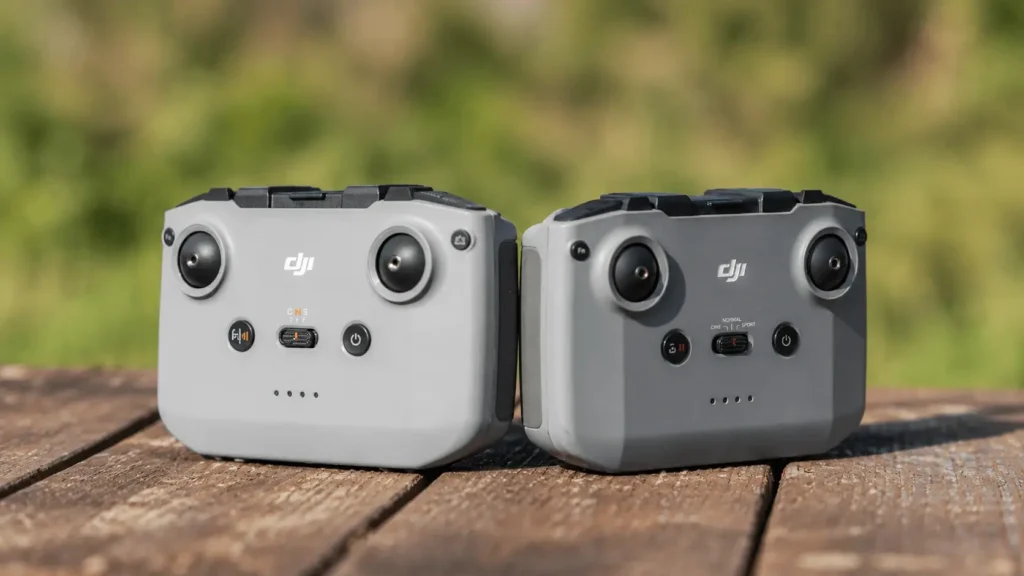
It is worth knowing right from the start that the DJI Fly app 1.19.5 is currently available for the DJI RC2 and the RC2 Pro controller. At the time of recording this video, the update was not yet available on the App Store for iOS devices.
If you checked the App Store at that point, you would still see version 1.19.4 listed there. So if you are an iOS user and you cannot see the update yet, do not worry. It will arrive in due course.
Read More: DJI Fly App Update 1.15.8
How to Update the DJI Fly App 1.19.5 on Your Controller
If the update is not showing up automatically on your controller, here is what you need to do. Go into your profile, then head into settings and click on the about section. From there, you will be able to see your current app version. Once you can confirm you are looking at version 1.19.5, simply click update.

The app will then begin downloading the update directly to your device. If you swipe down while it is downloading, you can see the progress of the download in real time. Once the download is complete, the DJI Fly app 1.19.5 will be fully installed on your controller and you will be ready to go.
Read More: DJI Fly Clear Screen
What to Check After Installing the DJI Fly App 1.19.5
This is something I always recommend doing after any DJI Fly app update, and the DJI Fly app 1.19.5 is no different. There are a few key things you want to verify once the installation is complete to make sure everything is set up correctly.
The first thing to check is your safety settings. Head into the safety section and make sure that your return to home setting is correctly selected. I have known this setting to change after an update in the past, and I have even had an instance where it was set to hover instead of return to home. It is always best practice to double check this every single time you update.
Next, head into your control settings and pay close attention to your gain and expo settings. After updating to the DJI Fly app 1.19.5, I noticed on my own controller that those parameters had actually changed from what I normally have them set to.
If you have customized your gain and expo settings previously, make sure you go back in and restore them to what they were before the update. This is particularly important if you rely on those specific settings for your flying style.
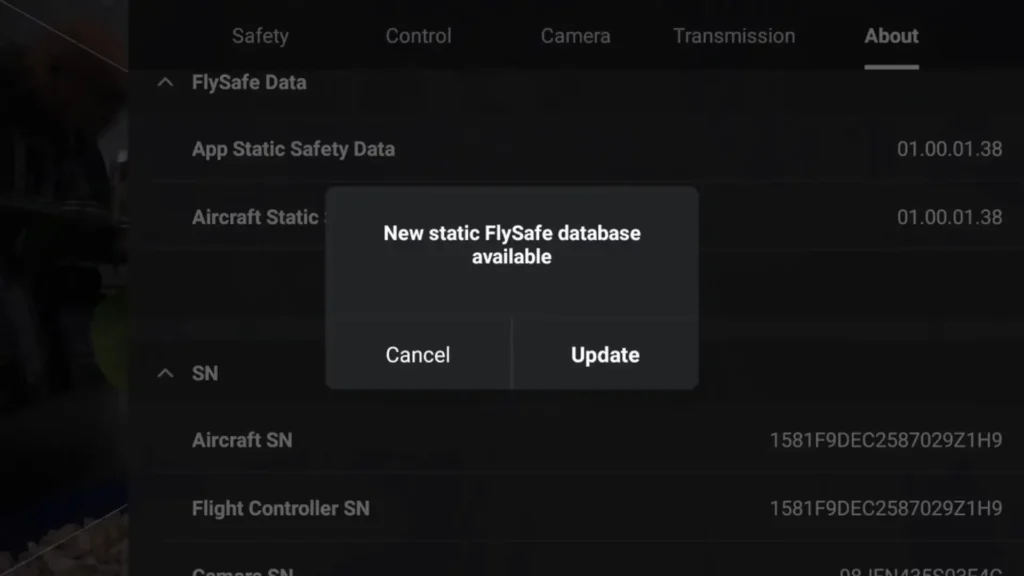
After that, check your camera settings to make sure everything is as it should be. Then head back into the about section and check for any additional updates. During my own update process, I found that a new static fly safe database was available. All you need to do is click on it and go through the update process, and it will download the updated database straight onto your controller.
Once that is done, you may also notice a firmware update available. It is important to understand what this firmware update actually is because it can be a little confusing. This is not an aircraft firmware update in the traditional sense. What it is actually updating is the firmware related to the different aircraft models you might be swapping between.
So if you use multiple drones such as the Mini 5 Pro, the Air 3S, or the Mini 4 Pro, this update is what keeps things running smoothly when you switch between those aircraft on the same controller. It is simply updating that switching firmware rather than the aircraft firmware itself.

Does the DJI Fly App 1.19.5 Affect the Air 3S Height Limit?
One of the things I knew people would be wondering about is whether the DJI Fly app 1.19.5 has any impact on the height restriction of the Air 3S. There has been quite a lot of controversy around this topic, so I made sure to check it thoroughly. After updating to the DJI Fly app 1.19.5, my Air 3S was still showing 1,000 meters as the height limit.
So there is absolutely no issue there. No back door firmware has been installed through this update, and the height limit remains exactly as it should be based on your location.
For those flying here in the UK, it is worth remembering that there is a hard limit of 120 meters if you are flying the Mini 4 Pro or the Mini 5 Pro. However, the Air 3S still retains its advantage in that regard, as the height limit on that aircraft is location based rather than being capped at 120 meters.
Flight Test Results with the DJI Fly App 1.19.5
The first thing I checked was the spotlight mode, and I am pleased to say it worked absolutely spot on. When you activate spotlight, the location marker changes to a locator pin and it locks onto your chosen subject perfectly. I tested it on a property in the background and it tracked it without any issues whatsoever.
From there, I moved on to checking the different flight modes. I tested cine mode, normal mode, and sports mode one after another to make sure the transition between them was working correctly. All three modes performed exactly as expected with no problems at all.
One of the things I had specifically seen mentioned on the forums was that some users were claiming the dynamic home point feature was glitching or not working properly after the DJI Fly app 1.19.5 update.
I tested this thoroughly during my flight and I honestly could not find any issue with it. Selecting the dynamic home point worked without any problem, and I was also able to update the home point to the aircraft and then to the controller without any difficulty. Everything functioned exactly as it should.
I also tested focus track mode during the flight. There was a car moving in the frame and I selected it using the focus track feature. It locked on and tracked that car absolutely spot on. You could clearly see how well it was performing, and while I could have switched it over to active track to have the drone follow the vehicle, I kept it in spotlight mode for the purposes of this particular test. Either way, the feature was working flawlessly.
Finally, I ran through a quick return to home test, which is something I always do after any update just to make sure that critical safety function is operating correctly. As with everything else I tested, it worked absolutely spot on.
Should You Update to the DJI Fly App 1.19.5?
After going through everything in the DJI Fly app 1.19.5, both in the settings and out in the field during a real flight test, my conclusion is straightforward. Everything I tested was working absolutely fine.
Spotlight worked perfectly, the flight modes all transitioned correctly, the dynamic home point had no issues despite what some forum posts suggested, focus track performed well, and the return to home function operated exactly as expected.
The height limit on the Air 3S remains unchanged, and no unwanted firmware has been introduced through this update. The only things to be mindful of are checking your return to home setting, your gain and expo parameters, and making sure your camera settings are still as you had them before updating.
As far as I am concerned, the DJI Fly app 1.19.5 is safe to update to. However, that decision is entirely yours to make. I have given you the full picture based on my own testing, and I hope it helps you make an informed choice.
If you found this useful, do not forget to give the video a thumbs up, and if you are new around here, consider subscribing and hitting the notification bell so you never miss a future video. Thanks for watching and I will see you in the next one.
Table of Contents
Read More: Antigravity Studio Beginners Guide